A retail platform’s engineering team shipped their checkout redesign two weeks before Black Friday. The code passed every functional test. Every button worked. Every transaction committed to the database correctly. What nobody had written down — let alone tested — was how fast checkout needed to render under 5,000 concurrent shoppers. On the day that mattered most, page loads climbed past eight seconds, cart abandonment spiked 23%, and the war room scrambled to diagnose a problem that was never a bug. It was a missing contract: a non-functional requirement that nobody defined, so nobody verified.
This scenario repeats across industries because NFRs occupy an uncomfortable gap between business expectations and engineering specifications. Stakeholders assume the system will be “fast” and “always available.” Engineers assume someone documented what those words actually mean. Nobody tests against a threshold that was never set.
This guide closes that gap. You’ll learn how to define NFRs that are precise enough to pass or fail, quantify availability and scalability targets with real math, translate stakeholder wishes into testable SLAs, validate every requirement under realistic load, and integrate NFR enforcement into your CI/CD pipeline. Whether you’re a QA lead inheriting an undocumented system or an SRE building an error budget from scratch, you’ll leave with a framework — and an NFR checklist — you can apply this week.
- What Are Non-Functional Requirements — And Why Do They Determine Whether Your System Survives Real-World Conditions?
- Translating Business Language into Measurable, Testable NFRs: A Step-by-Step Framework
- Availability Math and Scalability Targets: Turning ‘Nines’ into Infrastructure Decisions
- Validating NFRs Through Performance and Load Testing: From Specification to Evidence
- Integrating NFR Validation into CI/CD Pipelines: Making Performance Testing Continuous
- NFR Template and Checklist: A Reusable Specification Framework
- Frequently Asked Questions
- References
What Are Non-Functional Requirements — And Why Do They Determine Whether Your System Survives Real-World Conditions?
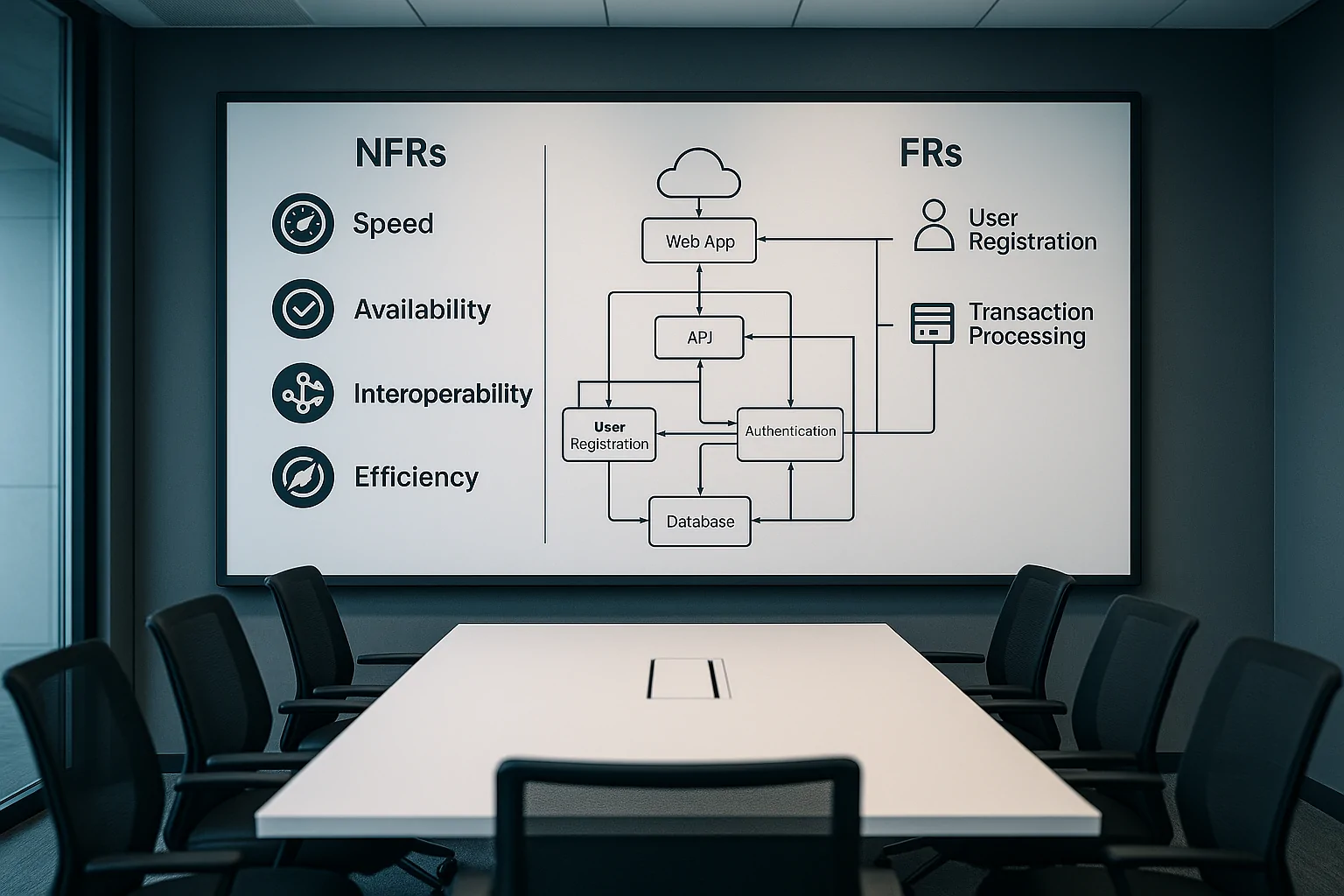
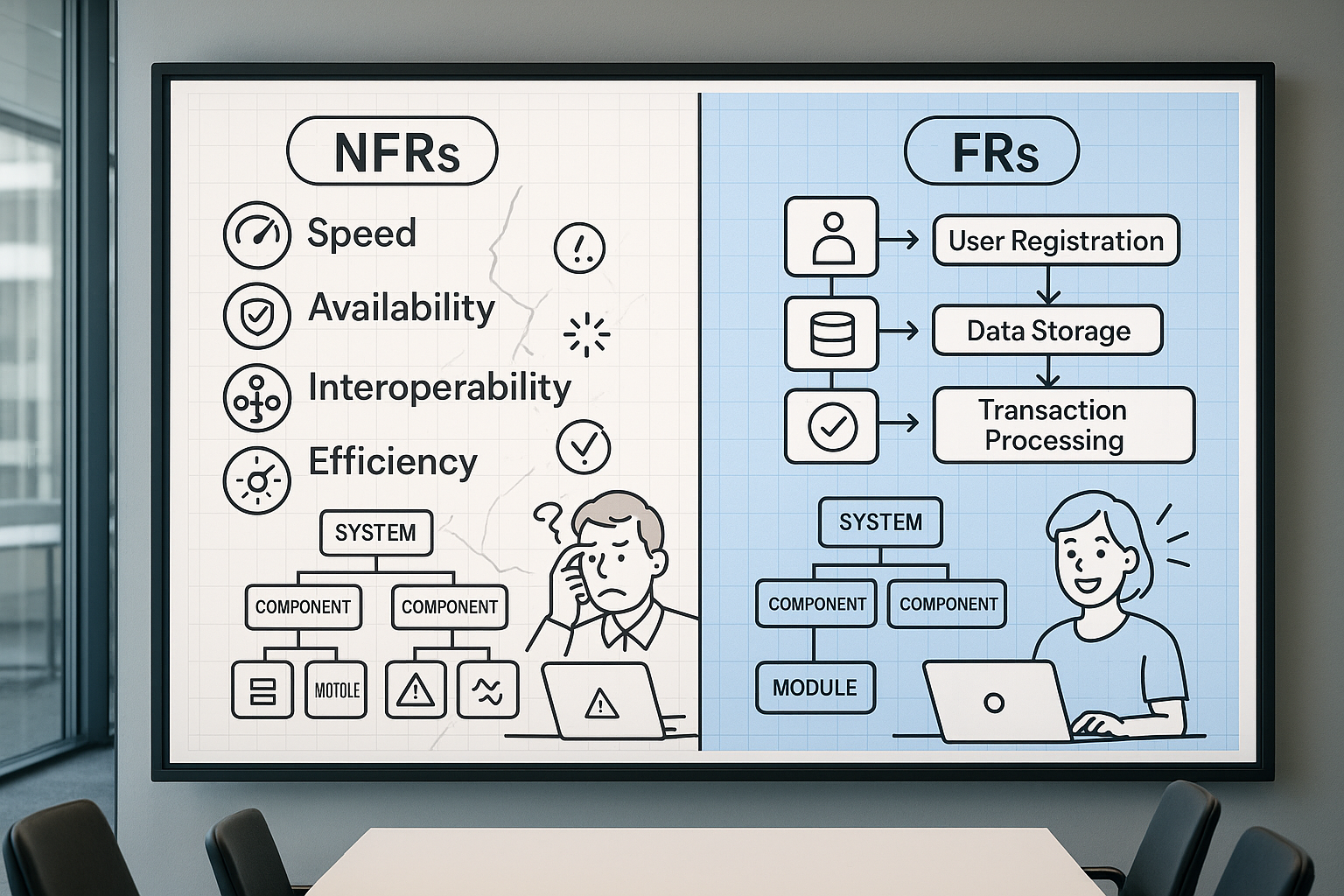
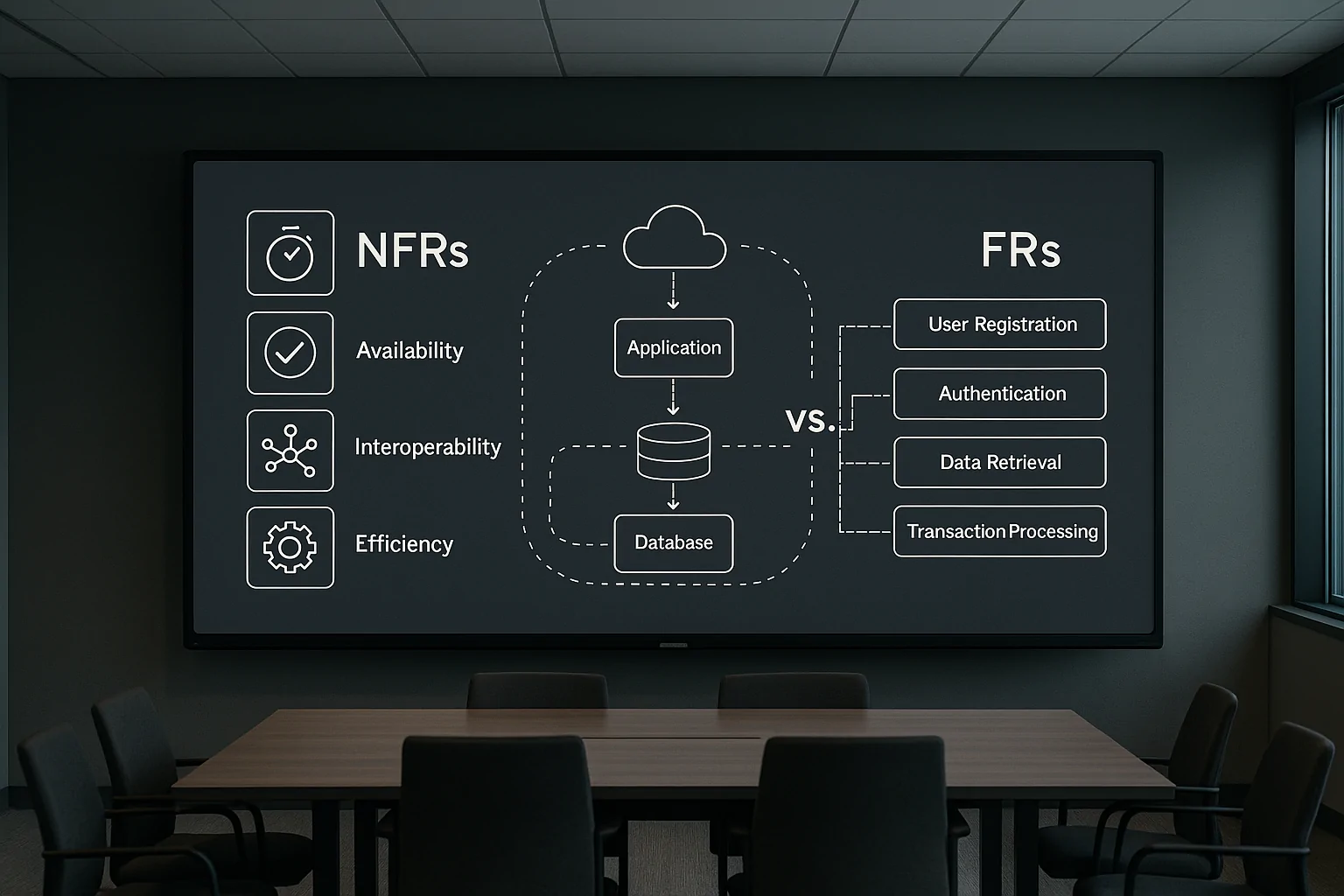
Non-functional requirements define the operational envelope within which a system must perform. Where functional requirements specify what a system does (“the system shall process payment transactions”), NFRs specify how well it does it under stated conditions (“the payment API shall respond within 500ms at the 95th percentile under 2,000 concurrent users”).
ISO/IEC 25010:2023, the current international standard for software product quality, formalizes this distinction across nine quality characteristics. The standard states that its product quality model is “applicable to ICT products and software products” and supports activities including “eliciting and defining product and information system requirements” and “identifying product and information system testing objectives” [1]. That last phrase matters: the standard explicitly links NFR definition to test planning, not as separate activities but as two sides of the same engineering contract.
Ignoring that contract carries measurable cost. Research from Carnegie Mellon’s Software Engineering Institute shows that 60–80% of software development cost stems from rework — much of it traceable to poorly specified or entirely missing quality attributes [2]. When NFRs are absent, the system still has performance characteristics. They’re just unknown, untested, and discovered by your customers in production.
Functional vs. Non-Functional Requirements: The Difference That Decides System Architecture
Alejandro Gomez at SEI CMU illustrates the distinction precisely: “The system shall be able to handle 1,000 concurrent users with the 99th percentile of response times under 3 seconds. This specifies the system’s capacity to handle a certain load, which is an aspect of performance. It does not define what the system does… instead, it describes how well it can handle a specific operational condition” [2].
This distinction has direct architectural consequences. A functional requirement to “display a product catalog” can be satisfied by a single database query. The NFR that this catalog must render in under 200ms for 10,000 concurrent users drives decisions about CDN placement, caching layers, database read replicas, and connection pooling strategies. NFRs don’t just describe quality — they shape the infrastructure. Skip them, and your architecture is designed for correctness alone, with performance left to chance. For deeper context on how quality attributes drive architectural trade-offs, the SEI Carnegie Mellon Software Architecture & Quality Attributes program offers extensive practitioner guidance.
The ISO/IEC 25010 Quality Model: Your Authoritative NFR Taxonomy

ISO/IEC 25010:2023 defines nine quality characteristics that serve as the internationally recognized taxonomy for NFRs [1]. Four of these are directly validated through performance and load testing:
- Performance Efficiency — time behavior, resource utilization, capacity. Example NFR: API response at p95 < 300ms under 2,000 concurrent users.
- Reliability — maturity, availability, fault tolerance, recoverability. Example NFR: 99.9% availability = maximum 8.76 hours unplanned downtime per year.
- Compatibility — co-existence and interoperability under load. Example NFR: third-party payment gateway integration adds no more than 50ms to transaction latency at peak.
- Interaction Capability (new in the 2023 revision) — user engagement, self-descriptiveness. Example NFR: real-time dashboard updates propagate within 1 second at 500 active sessions.
The remaining five — security, maintainability, portability, usability, and functional suitability — also qualify as NFRs, though their validation methods extend beyond load testing into security scanning, code analysis, and usability studies. For performance engineers, the first four categories listed above form the core NFR surface area that your test plans must cover — and understanding the performance metrics that matter in performance engineering is essential for mapping these categories to measurable indicators. The full standard is available from ISO/IEC 25010 Software Quality Model, with the 2023 version being the current revision.
When NFRs Are Ignored: The Real Business Cost in Three Cautionary Scenarios
Scenario 1: The silent latency cliff. A fintech firm launched a trading platform with no documented latency SLA. Under normal conditions, API response hovered around 200ms. During a volatile trading session that tripled concurrent users, response times degraded to 4.2 seconds. The firm faced compliance inquiries under best-execution obligations, and three institutional clients moved to a competitor within the quarter. The NFR that would have prevented this — “trade execution API p99 < 500ms at 3× baseline concurrency” — takes less than a sentence to write.
Scenario 2: The promotional collapse. Amazon’s Prime Day 2018 outage demonstrated what happens when scalability targets aren’t stress-tested against actual promotional demand. The site experienced significant downtime during the event’s opening hours, with revenue impact estimates running into tens of millions of dollars. The root cause wasn’t a code defect — it was infrastructure that hadn’t been validated against the specific concurrency and throughput conditions the promotion would create. Proper e-commerce application testing for Black Friday and holiday shopping events requires defining explicit scalability NFRs well before the surge arrives.
Scenario 3: The undocumented system. An SRE team inherited a customer-facing application with no availability target. Without a defined SLO, they had no error budget, no way to prioritize reliability work against feature development, and no pass/fail criterion for deployment risk. Every outage was treated as equally urgent because there was no agreed threshold that separated “acceptable risk” from “incident.” Knight Capital Group’s 2012 catastrophe — $440 million lost in 45 minutes due to a deployment that lacked fault tolerance and recovery time NFRs — remains the most expensive illustration of what “we’ll figure it out in production” actually costs.
Translating Business Language into Measurable, Testable NFRs: A Step-by-Step Framework
The gap between “the app should be fast” and “p95 API response < 300ms at 1,000 concurrent users” is where most NFR efforts fail. Bridging it requires a structured translation workflow, and the most battle-tested framework comes from Google’s Site Reliability Engineering practice: the SLI → SLO → SLA hierarchy [4].
An SLI (Service Level Indicator) is the measurement itself — the proportion of requests served within a given latency threshold. An SLO (Service Level Objective) is the target — “99% of requests served within 300ms over a rolling 30-day window.” An SLA (Service Level Agreement) is the consequence — what happens (contractually or operationally) when the SLO is breached. For a deeper dive into how SLAs connect to load testing practice, see the SLA for performance and load testing.
Step 1–2: Capturing the Stakeholder Wish and Naming the Quality Attribute
Effective NFR elicitation starts with structured questions, not open-ended conversations. Ask stakeholders: “What’s the highest concurrent user count you’ve observed in the past 12 months?” “What response delay would cause a customer to call support or abandon?” “Are there contractual uptime obligations or regulatory latency requirements?”
Map their answers to ISO 25010 quality attributes using a translation table:
| Business Phrase | Quality Attribute | NFR Category | Example Metric |
|---|---|---|---|
| “The site must handle Black Friday traffic” | Performance Efficiency | Scalability | Sustain 50,000 concurrent users, p95 response < 2s |
| “Trades must execute quickly” | Performance Efficiency | Time Behavior | API response p99 < 500ms at 2,000 concurrent users |
| “We can’t afford downtime” | Reliability | Availability | 99.99% uptime (52.6 min downtime/year) |
| “Reports should load reasonably” | Performance Efficiency | Time Behavior | Dashboard render p95 < 3s at 1,000 concurrent sessions |
| “The app must work on slow connections” | Performance Efficiency | Resource Utilization | Page payload < 1.5MB, first contentful paint < 2.5s on 3G |
| “We need to pass the audit” | Security / Compliance | Multiple | Authentication latency < 200ms; encrypted payload overhead < 10% |
Step 3–5: Defining SLIs, Setting SLO Thresholds, and Establishing SLA Consequences
The most dangerous word in NFR specification is “average.” As Google’s SRE team explains: “Using percentiles for indicators allows you to consider the shape of the distribution and its differing attributes: a high-order percentile, such as the 99th or 99.9th, shows you a plausible worst-case value, while using the 50th percentile (also known as the median) emphasizes the typical case” [4].
Consider a real scenario: an API endpoint reports an average response time of 180ms. That number looks comfortable against a 300ms SLA. But the 99th percentile for the same endpoint is 2,400ms — meaning 1 in 100 requests takes over 13× the average. If your busiest hour handles 100,000 requests, that’s 1,000 users experiencing unacceptable latency. Averages hide exactly the users you most need to protect.
Set your SLO thresholds by combining baseline measurement from load testing with business risk tolerance — not by copying a number from a blog post. For more on the SLI/SLO/SLA hierarchy and error budgets, the Google SRE Service Level Objectives chapter is the definitive practitioner reference.
Response Time Benchmarks by Application Type: What ‘Good’ Actually Looks Like
When no historical baseline exists, these industry-observed benchmarks provide a defensible starting point:
| Application Type | Metric | Target | Business Justification |
|---|---|---|---|
| E-commerce (page load) | p95 TTFB + render | < 2s | Google research: 53% mobile abandonment at 3s load time |
| E-commerce (add-to-cart API) | p95 response | < 500ms | Cart interaction latency directly correlates with conversion drop-off |
| Financial services (trade execution) | p99 response | < 500ms | MiFID II best-execution obligations; competitive disadvantage above 1s |
| Financial services (risk calculation) | p95 response | < 200ms | Real-time risk dashboards require sub-second refresh |
| SaaS productivity (dashboard render) | p95 full render | < 3s | User perceived performance threshold for interactive tools |
| Mobile API | p95 server response | < 300ms | Network latency adds 100-400ms; server must stay well under total budget |
| Internal enterprise (report generation) | p95 execution | < 5s | Internal SLA; higher tolerance but still impacts analyst productivity |
These are starting points, not universal standards. Your actual NFR targets should be derived from measured user behavior, competitive benchmarks in your market, and — critically — validated under load before you commit to them as SLAs.
Availability Math and Scalability Targets: Turning ‘Nines’ into Infrastructure Decisions
“The industry commonly expresses high-availability values in terms of the number of ‘nines’ in the availability percentage” [4]. Here’s what those nines translate to in actual downtime:
| Availability | Annual Downtime | Monthly Downtime | Weekly Downtime | Typical System Category |
|---|---|---|---|---|
| 99% (“two nines”) | 87.6 hours | 7.3 hours | 1.68 hours | Internal tools, batch processing |
| 99.9% (“three nines”) | 8.76 hours | 43.8 minutes | 10.1 minutes | Standard SaaS, e-commerce |
| 99.95% | 4.38 hours | 21.9 minutes | 5.04 minutes | Business-critical SaaS |
| 99.99% (“four nines”) | 52.6 minutes | 4.38 minutes | 1.01 minutes | Financial services, healthcare |
| 99.999% (“five nines”) | 5.26 minutes | 26.3 seconds | 6.05 seconds | Telecom, critical infrastructure |
Each additional nine roughly multiplies your infrastructure cost and operational complexity. Moving from 99.9% to 99.99% means reducing your monthly downtime budget from 43.8 minutes to 4.38 minutes — which changes your architecture from “a single redundant pair” to “multi-region active-active with automated failover, health-check intervals under 10 seconds, and zero-downtime deployment pipelines.” Setting an availability target without understanding its infrastructure implications is how organizations end up with SLAs they can’t afford to meet.
Setting Scalability NFRs: Horizontal vs. Vertical Scaling, Concurrency Targets, and Demand Modeling
Scalability NFRs operate on two axes. Horizontal scalability means adding instances: “the system must sustain 10,000 concurrent users across N nodes with p95 response time within SLO and no more than 5% throughput degradation per added node.” Vertical scalability means adding resources to existing instances: “the system must maintain SLOs with CPU utilization ≤ 70% at peak on a 16-core configuration.” For a comprehensive treatment of how to define and validate these targets, see the complete guide to scalability testing.
Derive concurrency targets from actual business data using this formula:
peak_nfr_users = historical_peak × growth_factor × safety_marginExample: Your analytics show a historical peak of 1,500 concurrent users. Projected growth over the next 12 months is 2×. Apply a 1.5× safety margin for unexpected spikes:
1,500 × 2.0 × 1.5 = 4,500 concurrent usersYour scalability NFR becomes: “System must sustain 4,500 concurrent users with p95 response time < 2s and throughput ≥ 2,000 requests/second.” This target feeds directly into your load test design — WebLOAD can simulate exactly this ramp pattern to validate the NFR against your actual infrastructure, generating pass/fail evidence before production deployment.
Throughput Requirements: Defining Transactions Per Second as a First-Class NFR
Response time and throughput are independent NFR dimensions. A system can deliver sub-200ms responses for individual requests while collapsing under concurrent load if its throughput ceiling is too low. Throughput must be specified explicitly.
Little’s Law provides the mathematical constraint linking concurrency, throughput, and response time:
N = λ × RWhere N = concurrent users, λ = throughput (requests/second), R = average response time (seconds).
Worked example: If your NFR requires 500 concurrent users (N=500) with a p95 response time of 200ms (R=0.2s), the minimum required throughput is:
λ = N / R = 500 / 0.2 = 2,500 requests/secondIf your infrastructure can only sustain 1,200 req/s, you will not meet both the concurrency and latency NFRs simultaneously — the system will queue requests, and response time will degrade.
For business-derived throughput: if peak-hour order volume is 10,000 orders/hour, that translates to ~2.8 orders/second average. Apply a 3–4× burst multiplier for flash-sale spikes, and your throughput NFR becomes “sustain 10 order transactions/second without SLO degradation.” WebLOAD’s real-time throughput dashboards measure actual TPS against this threshold during test execution, producing the evidence artifact your stakeholders need.
Validating NFRs Through Performance and Load Testing: From Specification to Evidence
A well-written NFR without a corresponding test is a wish. Validation means running the system under conditions that match the NFR’s stated constraints and measuring whether it passes or fails.
Mapping NFR Types to Load Test Strategies: Which Test Proves Which Requirement
| NFR Type | Test Strategy | Minimum Duration | Primary Metric | Pass/Fail Format |
|---|---|---|---|---|
| Response time SLA | Load test | 30 min at steady state | p95/p99 latency | p95 < threshold for 95% of measurement intervals |
| Throughput target | Load test | 30 min at target concurrency | Transactions/second | TPS ≥ threshold with error rate < 0.5% |
| Scalability ceiling | Stress test | Until SLO breach | Concurrency at SLO breach point | System sustains N× baseline before p95 exceeds SLO |
| Availability/reliability | Soak/endurance test | 8 hours minimum, 24+ hours ideal | Error rate, memory growth, connection pool exhaustion | Error rate < 0.1% throughout; no resource leak trend |
| Burst scalability | Spike test | 15-minute spike within 1-hour run | Recovery time to SLO after spike | p95 returns to SLO within 60 seconds of spike end |
Soak test duration matters more than most teams realize. Memory leaks, connection pool exhaustion, and thread count drift are invisible in a 30-minute run. If your reliability NFR states 99.9% availability, your soak test must run long enough to expose the failure modes that occur at hour 6, not minute 6 — a principle explored in depth in the different types of performance testing explained. WebLOAD’s scenario scheduling and real-time SLA alerting capabilities support all five test configurations, flagging SLO breaches as they occur rather than requiring post-hoc analysis.
For reliability NFRs, chaos engineering offers a complementary validation approach: deliberately injecting failures (network partitions, instance termination, disk pressure) to verify that the system’s fault tolerance and recovery-time NFRs hold under adverse conditions.
Designing Test Scenarios That Reflect Real NFR Conditions — Not Just Synthetic Load
Synthetic load that doesn’t model realistic user behavior produces misleading NFR validation results. If your NFR specifies “p95 < 2s at 5,000 concurrent users,” but your test uses 5,000 identical requests with no think time, no session variation, and no data parameterization, you’re measuring an abstraction, not your system.
Realistic scenario design requires matching the NFR’s stated conditions across four dimensions:
- User mix: Authenticated vs. anonymous, mobile vs. desktop, geographic distribution. If 40% of your peak traffic is mobile API calls, your test must reflect that ratio.
- Transaction mix: Checkout-heavy for e-commerce peak scenarios, read-heavy for dashboard load, write-heavy for data ingestion bursts. Map the mix to actual analytics data from your busiest period.
- Think time modeling: Real users pause between actions. Removing think time artificially inflates concurrency and produces throughput numbers that don’t correspond to real load.
- Data realism: Static test data (same user ID, same product, same query) hits cached paths repeatedly, masking database and I/O bottlenecks that appear with parameterized, real-world data variety.
The anti-pattern to avoid: running 1,000 virtual users executing the same hardcoded transaction with zero think time and declaring the response time SLA “passed.” That test validates your cache layer, not your system. For practical guidance on building tests that mirror production conditions, see creating realistic load testing scenarios.
Integrating NFR Validation into CI/CD Pipelines: Making Performance Testing Continuous
DORA’s research is unambiguous: “Developers should get feedback from [acceptance and performance tests] daily” [3]. Yet most teams still treat load testing as a one-time pre-launch event. The result? Performance regressions introduced in sprint 14 aren’t discovered until the release candidate in sprint 20 — by which point the root cause is buried under 300 commits. For a deeper exploration of embedding performance validation into your delivery workflow, see this guide on integrating performance testing in CI/CD pipelines.
Here’s a pipeline-stage model for continuous NFR enforcement:
| Pipeline Stage | NFR Test Type | Duration Budget | Pass/Fail Example |
|---|---|---|---|
| Code commit (CI) | Single-endpoint smoke test, 50 VUs | ≤ 10 min | Fail if p95 increases > 15% vs. 7-day rolling baseline |
| Integration | API contract + response time validation | ≤ 15 min | Fail if any endpoint exceeds p95 SLA or returns > 0.5% errors |
| Staging | Full load test against all NFR thresholds | 30–60 min | Fail if any NFR gate breached (latency, error rate, throughput) |
| Production | Synthetic monitoring vs. SLO | Continuous | Alert if SLO burn rate exceeds budget; page on-call if error budget < 10% remaining |
Shift Left: Running NFR Smoke Tests at the Code Commit Stage
The CMU SEI’s observation that a quality attribute “may be present after one code change but absent in the next” [2] is the practical justification for commit-level NFR gating. DORA’s research confirms that “working in small batches ensures developers get regular feedback on the impact of their work on the system as a whole — from automated performance and security tests” [3].
A commit-stage NFR smoke test should: target the specific endpoint(s) modified in the commit, run a 50-VU load for 2–3 minutes, flag if p95 response time increases by more than 15% versus the rolling 7-day baseline or if error rate exceeds 0.5%, and complete within DORA’s recommended 10-minute CI window.
Full NFR Load Testing in Staging: Enforcing Thresholds Before Production
The staging-environment load test is the primary NFR enforcement gate — full-fidelity, mirroring production load patterns, evaluating all defined thresholds simultaneously.
WebLOAD’s JavaScript-based scripting engine enables parameterized load scenarios that map directly to your NFR specifications. A typical staging gate configuration:
// NFR Gate Parameters
Ramp-up: 0 → 500 VUs over 5 minutes
Sustain: 500 VUs for 30 minutes
Ramp-down: 500 → 0 VUs over 3 minutes

// Pass/Fail Criteria
p95 Response Time ≤ 500ms
Error Rate ≤ 0.1%
Throughput ≥ 200 TPS
RadView’s platform surfaces threshold violations through its analytics dashboard, flagging exactly which NFR gate was breached and at what point during the load profile — eliminating hours of manual log analysis. The pipeline build fails automatically if any criterion is violated, preventing unvalidated code from reaching production.
Environment parity matters: if your staging environment has half the compute capacity of production, your load test results are meaningless for SLA validation. Match CPU, memory, database tier, and network topology — or apply a documented scaling factor with appropriate risk acknowledgment.
NFR Template and Checklist: A Reusable Specification Framework
Use this structure for every NFR you write. Each requirement should be a single, testable statement with an explicit pass/fail threshold:
NFR-ID:        [Unique identifier, e.g., NFR-PERF-001]
Category:      [ISO 25010 quality characteristic]
Requirement:   [Plain-language statement of the requirement]
SLI:           [What you measure — the metric and measurement method]
SLO:           [The target threshold — specific, numeric, percentile-based]
Conditions:    [Load level, user mix, data profile, environment]
Test Strategy: [Load/stress/soak/spike test]
Pass Criteria: [Explicit pass/fail rule]
Priority:      [Must-have / Should-have / Nice-to-have]
Owner:         [Team or individual responsible for validation]
Review Cadence:[How often this NFR is re-validated]
Example (completed):
NFR-ID:        NFR-PERF-003
Category:      Performance Efficiency — Time Behavior
Requirement:   Checkout API must respond within acceptable
               latency under peak holiday load
SLI:           Server-side response time for /api/checkout
               endpoint, measured at the load generator
SLO:           p95 < 800ms, p99 < 1,500ms
Conditions:    5,000 concurrent authenticated users,
               70/30 browse-to-checkout transaction mix,
               parameterized product and payment data
Test Strategy: 30-minute steady-state load test +
               5-minute spike to 8,000 users
Pass Criteria: p95 < 800ms for 100% of 1-minute measurement
               intervals during steady state; p95 recovers
               to < 800ms within 90 seconds after spike
Priority:      Must-have (revenue-critical path)
Owner:         Performance Engineering team
Review Cadence:Quarterly, plus ad-hoc before major releases
NFR Checklist by Category:
- Response time: p95 and p99 thresholds defined for all critical API endpoints and page loads
- Throughput: Minimum TPS specified, derived from business volume projections + burst multiplier
- Concurrency: Peak concurrent user target calculated from historical data × growth × safety margin
- Availability: Nines target selected with downtime budget calculated per month
- Scalability: Horizontal and vertical scaling limits defined with degradation tolerance
- Reliability: Soak test duration and acceptable resource growth rate specified
- Recovery: RTO (recovery time objective) and RPO (recovery point objective) documented
- Security performance: Authentication and encryption overhead budget defined
Frequently Asked Questions
Does every NFR need a dedicated load test, or can I batch them?
Most NFRs can be validated within a shared test scenario — a single 30-minute load test at target concurrency can simultaneously measure response time, throughput, and error rate. However, scalability NFRs require a separate stress test (incremental load ramp), and reliability NFRs require a dedicated soak test of 8+ hours. Trying to validate a reliability NFR within a 30-minute load test is like checking tire wear after a trip around the parking lot.
Is targeting 99.99% availability worth the investment for a typical SaaS product?
Usually not. Moving from 99.9% to 99.99% reduces your monthly downtime budget from 43.8 minutes to 4.38 minutes, which typically requires multi-region active-active architecture, automated failover under 10 seconds, and zero-downtime deployment pipelines. For most B2B SaaS applications, 99.9% provides a better cost-to-reliability ratio. Reserve four-nines for payment processing, healthcare, or systems where downtime has regulatory or safety consequences.
How do I handle NFRs in an agile/sprint-based workflow without treating them as a pre-launch gate?
Embed NFR validation into your CI/CD pipeline as automated performance regression checks. Define a baseline load test (e.g., 500 concurrent users, 5-minute steady state) that runs on every release candidate. If p95 response time exceeds the NFR threshold by more than 10%, the build fails. Full-scale NFR validation (peak load, soak, stress) runs on a scheduled cadence — weekly or per release train — not per sprint.
What’s the most common NFR specification mistake you see in practice?
Specifying response time NFRs without stating the load conditions. “API response time < 500ms” is meaningless without “at N concurrent users with X transaction mix.” A system that meets 500ms under 100 users and fails at 1,000 users hasn’t violated a poorly written NFR — it’s exposed one. Always state the metric, the threshold, AND the conditions under which both must hold.
Can AI-assisted load testing tools reliably generate NFR validation scripts today?
AI-assisted scripting — like the correlation and parameterization features in WebLOAD — significantly reduces the manual effort of building realistic test scenarios from recorded sessions. Where a performance engineer might spend hours manually correlating dynamic session tokens across 50 API calls, AI-assisted correlation handles this in minutes. However, the NFR definition itself — choosing the right thresholds, conditions, and pass/fail criteria — still requires human judgment grounded in business context. AI removes scripting toil; engineers own the contract.
References
- International Organization for Standardization. (2023). ISO/IEC 25010:2023 – Systems and software engineering — Systems and software Quality Requirements and Evaluation (SQuaRE) — Product quality model. Retrieved from https://www.iso.org/standard/78176.html
- Gomez, A. (2024). Building Quality Software: 4 Engineering-Centric Techniques. Carnegie Mellon University Software Engineering Institute. DOI: 10.58012/wzyy-fh21. Retrieved from https://www.sei.cmu.edu/blog/building-quality-software-4-engineering-centric-techniques/
- DORA (DevOps Research and Assessment). (N.D.). Capabilities: Continuous Integration. Google Cloud. Retrieved from https://www.dora.dev/capabilities/continuous-integration/
- Jones, C., Wilkes, J., Murphy, N., & Smith, C. (2017). Site Reliability Engineering – Chapter 4: Service Level Objectives. O’Reilly Media / Google, Inc. Retrieved from https://sre.google/sre-book/service-level-objectives/