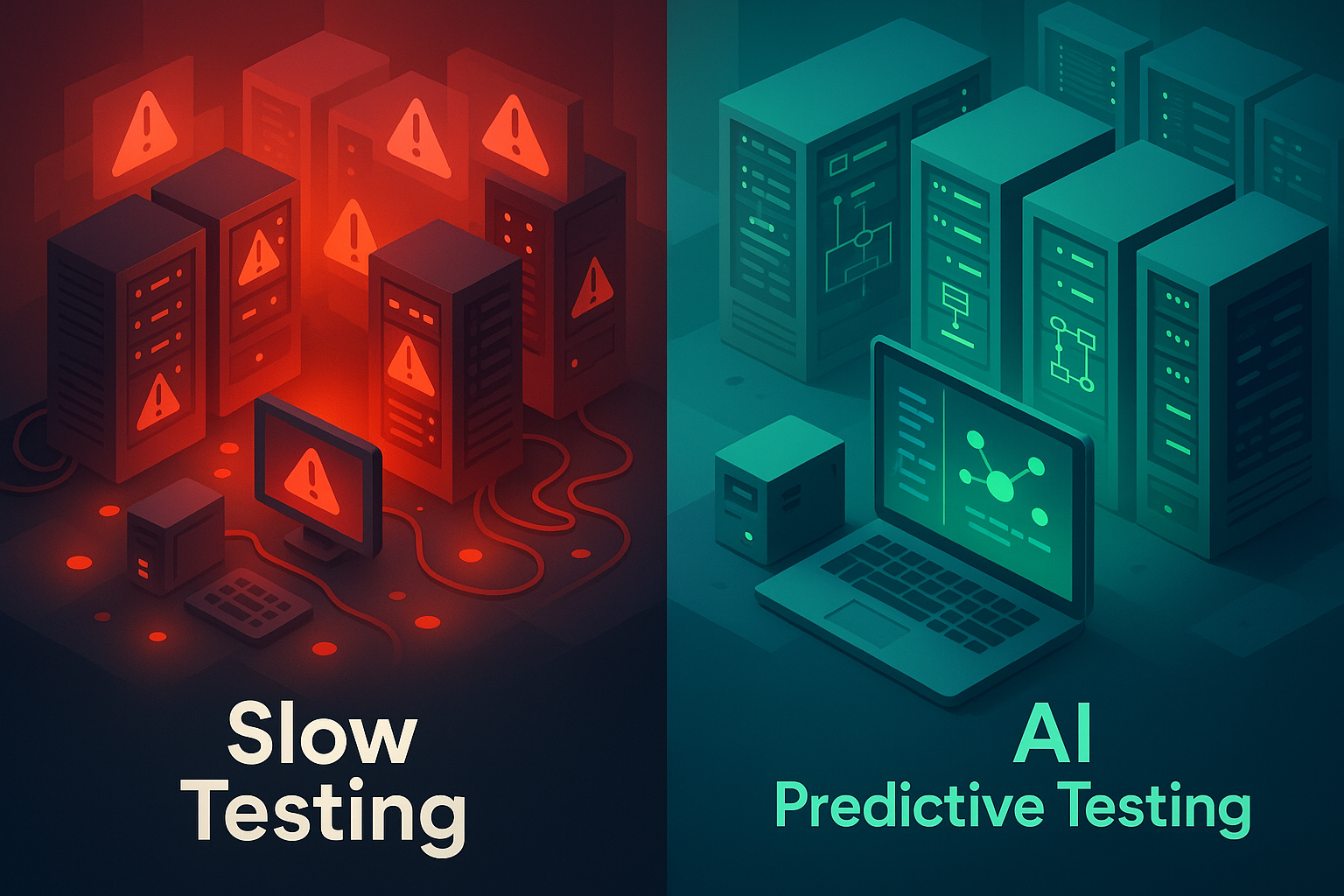
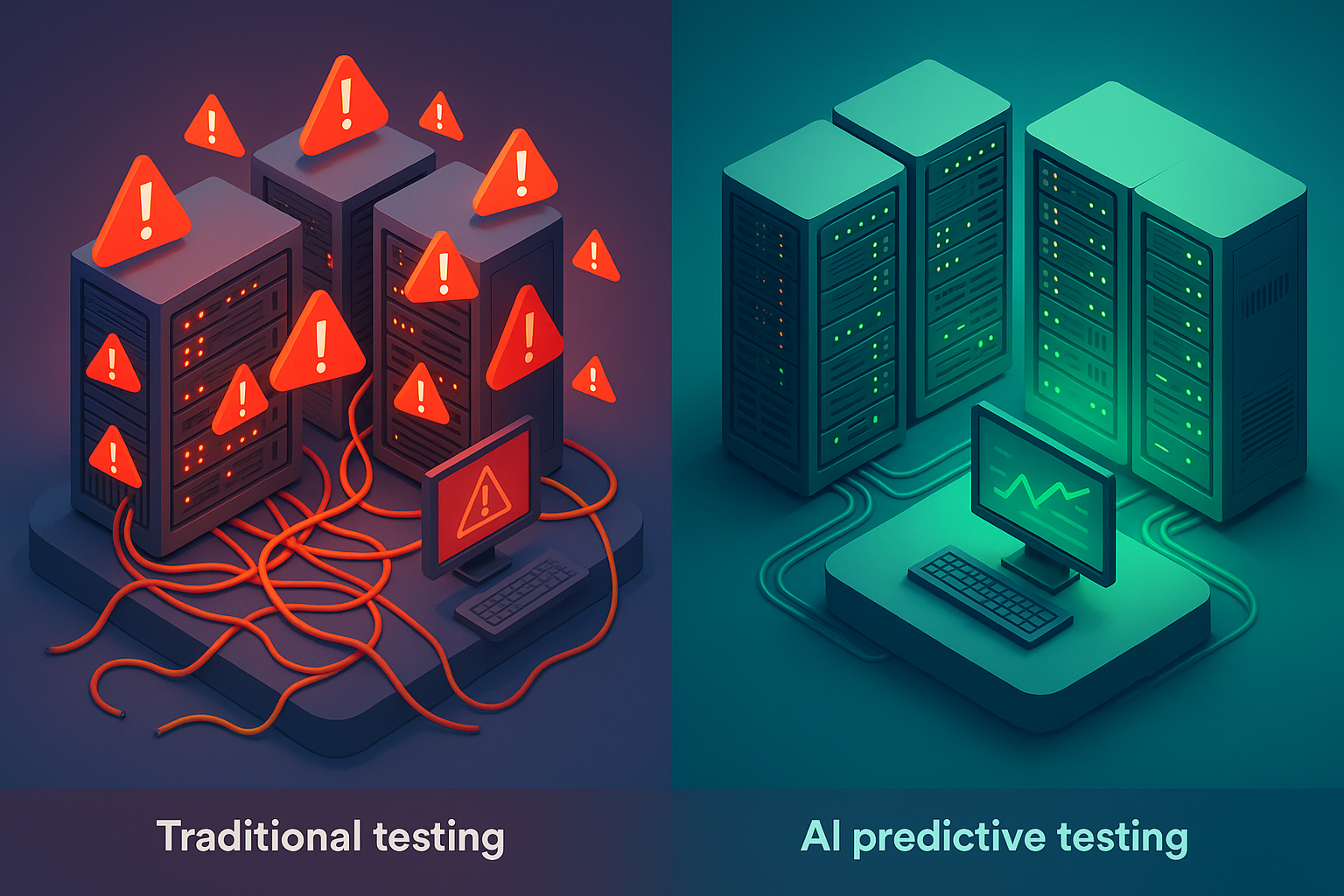
It’s 11 PM. Your traffic dashboard is a wall of red. Checkout latency just crossed 4 seconds, cart abandonment is spiking, and your on-call Slack channel is a scroll of escalating panic. The last full load test ran three weeks ago, against an architecture that’s since gained two new microservices, a swapped caching layer, and a third-party payment integration nobody thought to simulate. The test passed. Production didn’t.
This scenario isn’t hypothetical. It’s the predictable outcome of a testing practice built for a slower, simpler era. Traditional load and stress testing, manual scripting, infrequent runs, static traffic patterns, structurally cannot keep pace with CI/CD release velocity, distributed architectures, and traffic patterns that shift faster than any human can model. According to a landmark NIST study, inadequate software testing infrastructure costs the U.S. economy an estimated $59.5 billion annually [1]. A meaningful share of that cost traces directly to performance defects discovered too late.
This guide isn’t another surface-level “AI is transforming everything” overview. It’s a technically specific roadmap for moving your performance testing practice from reactive, firefighting production incidents after the fact, to predictive, where AI-driven anomaly detection, adaptive load generation, and continuous pipeline integration catch regressions before your users do. You’ll walk away with a clear understanding of why legacy methods break down, exactly how machine learning closes those gaps, a phased framework for CI/CD integration, and an honest assessment of what AI can and can’t do today.
Let’s build the testing practice your systems actually deserve.
- Why Traditional Load and Stress Testing Is Breaking Down
- What Is AI Load Testing? Core Concepts Explained for Practitioners
- The Real Benefits of AI-Driven Load Testing: What Changes for Your Team
- Integrating AI Load Testing Into Your CI/CD Pipeline: A Practical Walkthrough
- References and Authoritative Sources
Why Traditional Load and Stress Testing Is Breaking Down
Google’s SRE team defines stress testing with characteristic precision: “Engineers use stress tests to find the limits on a web service. Stress tests answer questions such as: How full can a database get before writes start to fail? How many queries a second can be sent to an application server before it becomes overloaded, causing requests to fail?” [2]. That’s what stress testing is supposed to do. The problem is that manual, periodic approaches consistently fail to deliver on that promise at the pace modern systems demand.
DORA research identifies four key metrics for software delivery health. Deployment Frequency, Lead Time for Changes, Change Failure Rate, and Time to Restore Service, and finds that “Elite teams are twice as likely to meet or exceed their organizational performance goals” [3]. When performance testing is slow, brittle, and disconnected from the deployment pipeline, it directly inflates Change Failure Rate and extends Time to Restore Service. The economics are unfavorable: per NIST’s analysis, catching defects earlier in the development lifecycle can reduce remediation costs by orders of magnitude compared to production discovery.
The Manual Scripting Trap: Why Writing Load Tests Still Feels Like 1998
Consider a team maintaining load test scripts for a mid-size e-commerce platform with 40+ API endpoints. Every sprint introduces parameter renames, new OAuth token flows, updated session management logic, or migrated endpoints. The result: performance engineers spend roughly 40% of their testing time maintaining existing scripts, fixing dynamic correlation failures, updating hardcoded session tokens, and re-recording broken user journeys, instead of designing tests that actually find new problems.
The underlying issue is architectural. Traditional record-and-replay scripting assumes a relatively stable application surface. Modern SPAs, API-first architectures, and microservices with independently evolving contracts shatter that assumption. A renamed query parameter, a switch from cookie-based sessions to JWT, or a new CORS preflight header can silently invalidate an entire test suite. Dynamic correlation, extracting and reinjecting tokens, session IDs, and CSRF values across requests, remains one of the most time-consuming and error-prone aspects of manual test scripting, particularly when multiple authentication flows coexist in the same application. Understanding these pitfalls is essential, and teams can benefit from reviewing common load testing mistakes and how to fix them before they compound into production failures.
The Coverage Gap: What Your Load Tests Are Missing (And Why It Matters in Production)
Most load tests simulate a single, idealized traffic pattern: a steady ramp of virtual users executing a pre-scripted journey against a partially representative environment. What they typically miss creates a dangerous gap between test confidence and production reality:
- p99 latency spikes under concurrent database writes. A test exercising read-heavy product browsing won’t reveal that the checkout service’s p99 response time doubles when 500 users simultaneously write to the orders table with row-level locking contention.
- Third-party dependency degradation cascading to user-facing failures. If your payment gateway’s response time increases from 200ms to 1,800ms under its own load, your cart completion flow breaks, but your load test never simulated that because it used a mocked payment stub.
- CDN failover behavior under sustained high throughput. At 10,000+ RPS, CDN edge nodes can exhibit cache-miss thundering herd effects that are invisible in a 500-VU test against a warm cache.
As Rob Ewaschuk notes in Google’s SRE handbook: “the 99th percentile of one backend can easily become the median response of your frontend” [4]. Tail latency isn’t an edge case, it’s a propagation vector. And Google SRE’s concept of zero-MTTR testing, where “a testing system identifies a bug with zero MTTR… such a test enables the push to be blocked so the bug never reaches production” [2], represents the coverage standard that static, periodic tests structurally cannot achieve. For a deeper dive into identifying where your system actually breaks, see this guide on how to test and identify bottlenecks in performance testing.
Performance Testing as an Afterthought: The CI/CD Decoupling Problem
When performance tests run only in pre-release cycles, weekly, biweekly, or “before the big launch”, performance regressions compound silently across dozens of commits. By the time a test catches the degradation, the causal commit is buried under two sprints of changes, and root-cause analysis becomes archaeology rather than engineering.
DORA’s research demonstrates that elite performers deploy frequently with lower failure rates [3]. In 2021, DORA added a fifth metric, reliability, explicitly recognizing that performance and availability testing are core to DevOps maturity, not optional add-ons DORA State of DevOps Research. When performance validation is decoupled from the deployment pipeline, every metric suffers: deployment frequency drops (teams gate on manual test cycles), lead time extends, and change failure rate climbs because regressions accumulate undetected. For practical guidance on closing this gap, see this walkthrough on integrating performance testing in CI/CD pipelines.
What Is AI Load Testing? Core Concepts Explained for Practitioners
“AI load testing” has become a marketing catch-all that ranges from genuine machine learning integration to rebranded automation scripts with an AI label. A peer-reviewed ACM systematic literature review on ML for performance testing confirms that machine learning techniques, including anomaly detection, predictive modeling, and automated test generation, have been rigorously studied and validated in performance testing contexts [5]. But the degree of genuine ML integration varies enormously across platforms.
Here’s a practitioner-grade distinction between three core AI mechanisms actually used in modern load testing and marketing noise:
- Unsupervised anomaly detection. Statistical models (isolation forests, autoencoders, or Bayesian changepoint detection) that learn a “normal” performance envelope from baseline data and flag deviations in real time during test execution.
- Time-series forecasting for predictive scaling. Models trained on historical load patterns and system telemetry that forecast when and where failure thresholds will be breached, enabling preemptive capacity decisions.
- NLP-assisted script generation. Natural language processing that converts OpenAPI specifications, HAR files, or plain-English test descriptions into executable load test scripts, reducing the manual scripting burden.
Rob Ewaschuk’s candid observation from Google SRE is worth internalizing: “We avoid ‘magic’ systems that try to learn thresholds or automatically detect causality” [4]. This isn’t a dismissal of AI, it’s a demand for transparency. The best AI-augmented testing tools surface why they flagged an anomaly, what confidence level the detection carries, and where human judgment should override the model. If a vendor can’t explain how their “AI” works beyond marketing copy, that’s a red flag. For a more detailed breakdown of the capabilities that distinguish genuine AI tooling, see this overview of key features of AI load testing tools explained.
Anomaly Detection: How AI Spots Performance Problems Humans Miss
Imagine a 60-minute load test ramping to 5,000 virtual users against an e-commerce checkout flow. At 1,200 concurrent users, well below the target, the database connection pool begins saturating. p95 response time for the /api/orders endpoint creeps from 120ms to 185ms over 20 minutes. A static alert threshold set at 500ms doesn’t fire. The test “passes.” In production at 3,000 users, that same creep hits 900ms and cascading timeouts bring down the cart service.
AI anomaly detection catches this because it’s not looking for threshold breaches, it’s looking for trend deviations from the established baseline. An unsupervised model trained against the Four Golden Signals. Latency, Traffic, Errors, Saturation [4], flags the 12% latency increase as statistically anomalous relative to the same load level in previous runs, correlates it with rising connection pool utilization (saturation), and surfaces it as a high-confidence alert mid-test. The engineer investigating sees a root-cause hypothesis, not a 200-line log dump. As Ewaschuk notes, “latency increases are often a leading indicator of saturation” [4]. AI operationalizes that insight by detecting the leading indicator before saturation becomes failure.
Predictive Analytics and Adaptive Load Generation: Testing Tomorrow’s Traffic Today
Traditional load tests execute a rigid script: ramp to X users over Y minutes, hold for Z minutes, ramp down. If the system degrades at 3,000 VUs but the script was written to ramp to 5,000, the test blows past the real bottleneck threshold and the resulting data is polluted by cascading failures.
Adaptive load generation solves this. The AI monitors system response in real time and adjusts the test dynamically: when p95 response time exceeds 800ms at 3,000 VUs, the ramp holds automatically rather than continuing to 5,000 VUs. This isolates the actual failure threshold with precision instead of burying it under compounding errors. On the predictive side, time-series models trained on historical traffic and performance data forecast capacity limits for scenarios the team hasn’t yet encountered, projecting, for example, that a 40% traffic increase during a planned marketing campaign will exhaust the Redis cache layer 15 minutes before the database connection pool, enabling targeted pre-scaling of the right component.
AI-Assisted Script Generation and Self-Healing Tests: Less Maintenance, More Coverage
Consider this scenario: your login endpoint migrates from session cookie authentication to JWT-based auth. Every load test script that relies on extracting and reinjecting the session cookie breaks simultaneously. In a traditional workflow, a performance engineer manually identifies the correlation failure, reverse-engineers the new JWT response structure, rewrites the extraction regex, and re-validates the script. This can take 2–4 hours per affected scenario.
AI-assisted self-healing detects the correlation failure automatically, identifies the new token pattern in the HTTP response body (a Base64-encoded JWT in the Authorization header instead of a Set-Cookie value), and updates the extraction rule before the next scheduled test run. The engineer reviews and approves the change rather than authoring it from scratch. WebLOAD’s intelligent correlation engine, for instance, applies this approach by analyzing request-response pairs and automatically suggesting or applying updated correlation rules when application changes break existing scripts.
When evaluating these capabilities across platforms, scrutinize three dimensions borrowed from rigorous tool evaluation frameworks: analytical intelligence (can it detect anomalies without pre-configured thresholds?), generative ability (can it produce or modify test scripts from specs or recordings?), and adaptation (does it self-correct when the application changes, and is the correction transparent and auditable?).
The Real Benefits of AI-Driven Load Testing: What Changes for Your Team
Faster Bottleneck Identification: From Hours of Log-Diving to Real-Time Root Cause Signals
The traditional bottleneck investigation workflow: run a load test, export CSV results, open your APM tool in another tab, cross-reference JVM heap metrics with SQL slow query logs, correlate thread dump timestamps with connection pool stats, and eventually, after 2–4 hours, conclude that the Hikari connection pool maxes out at 1,200 concurrent database sessions because the pool size was set to 50 and average query hold time is 180ms under load.
With AI-assisted correlation, the anomaly detection model flags rising latency on the /api/checkout endpoint mid-test, automatically correlates it with increasing connection pool saturation and elevated database query times, and surfaces a structured root-cause hypothesis within minutes, not hours. The engineer still validates the finding and decides on the fix, but the diagnostic cycle compresses from hours to minutes. As Ewaschuk’s tail latency principle underscores [4], these compounding effects propagate fast: catching them during the test run, not in a post-mortem spreadsheet, is the difference between a release gate and an incident.
Reduced Human Error and Manual Overhead: What Your Team Can Stop Doing
AI automation removes four specific, time-intensive tasks from the performance testing workflow:
- Threshold tuning. Instead of manually setting static alert thresholds per endpoint (and perpetually updating them as baselines shift), ML models learn dynamic baselines and flag deviations contextually.
- Script maintenance after every sprint. Self-healing correlation and parameterization updates reduce break-fix scripting cycles from hours to minutes of review.
- Results interpretation. AI-generated anomaly summaries replace manual cross-tool log correlation, surfacing ranked findings instead of raw data.
- War-room RCA sessions. When AI surfaces root-cause hypotheses during the test run, the 3 AM production war room becomes less frequent.
What AI cannot do: define your SLA thresholds. It can alert when p99 response time exceeds 200ms, but the 200ms target must come from a human who understands your user expectations, contractual obligations, and business context. As Ewaschuk cautioned, Google itself avoids systems that “automatically detect causality” [4], the model flags signals; engineers determine causes and remediation. The performance engineer’s role evolves from manual test operator to AI-assisted decision-maker: less toil, higher-value judgment.
Proactive vs. Reactive: Preventing Incidents Before They Hit Production
A CI/CD-integrated AI load test detects that a newly merged caching layer change has increased p95 checkout response time from 180ms to 340ms at 2,000 concurrent users. The pipeline automatically blocks the release before the artifact reaches staging. The developer who introduced the change receives a structured anomaly report within 8 minutes of pushing code, identifying the specific cache miss pattern under concurrent load. Total time saved versus discovering this in production: an estimated 4-hour incident response cycle, plus the reputational cost of degraded user experience during peak hours.
This is the zero-MTTR concept from Google SRE made operational: “a testing system identifies a bug with zero MTTR… such a test enables the push to be blocked so the bug never reaches production” [2]. DORA’s Time to Restore Service metric drops toward zero for issues caught at this stage because there’s no production incident to restore from [3]. That’s not incremental improvement, it’s a category shift in how performance quality is maintained. Teams looking to operationalize this shift-left approach should explore strategies for embedding performance engineering earlier in the development lifecycle.
Integrating AI Load Testing Into Your CI/CD Pipeline: A Practical Walkthrough
Phase 1. Start With a Baseline: What to Measure Before You Automate Anything
Teams that skip baseline establishment end up with anomaly detection that’s either hypersensitive (false positives flooding Slack every build) or blind (real regressions ignored because the “normal” envelope is indistinguishable from noise). The fix: invest 2–4 weeks in structured baseline collection before enabling automated anomaly gates.
Using the Four Golden Signals [4] as your measurement framework, capture the following for your five highest-traffic endpoints:
| Metric | What to Capture | Why It Matters for AI Detection |
|---|---|---|
| Latency | p50, p95, p99 response times | p99 catches tail latency that averages mask |
| Traffic | Requests per second (RPS) by endpoint | Establishes load correlation baselines |
| Errors | Error rate (%) by HTTP status code | Differentiates noise (404s) from regression (500s) |
| Saturation | CPU %, memory %, connection pool utilization | Identifies resource ceilings before failure |
Collect this data under representative, production-like load, not synthetic smoke tests. If your staging environment runs at 10% of production capacity, the baseline is useless. AI models trained on unrepresentative data produce unrepresentative anomaly detection. For a comprehensive look at which metrics to prioritize and how to interpret them, see this guide on the performance metrics that matter in performance engineering.
Phase 2. Shift Left: Embedding Lightweight AI Load Tests at the Commit Stage
After baseline establishment, embed short-duration, targeted AI-driven load tests at the pull request or commit stage. The key constraint: tests must complete in under 10 minutes to avoid dragging down deployment frequency, one of the four DORA metrics directly correlated with organizational performance [3].
A practical commit-stage gate definition:
performance_gate:
    virtual_users: 500
    ramp_duration: 2m
    steady_state: 5m
    endpoints: ["/api/checkout", "/api/search", "/api/auth/token"]
    fail_criteria:
        p95_latency_increase: ">20% from baseline"
        error_rate: ">0.5%"
        throughput_drop: ">10% at target VU count"
These thresholds should be calibrated to your SLA requirements, not copied from generic examples. At the commit stage, AI anomaly detection operates as lightweight statistical comparison against the established baseline rather than full-scale predictive modeling, it’s looking for regressions, not predicting capacity limits.
Phase 3. Scale Up: Full AI-Driven Stress and Soak Tests in Pre-Production
Pre-production is where adaptive load generation and predictive analytics earn their keep. The objective shifts from “did this commit regress performance?” to “where does this system actually break, and can it sustain load over 8–12 hours without degradation?”
RadView’s WebLOAD platform supports hybrid cloud and on-premises load generation for this stage, enabling teams to simulate geographically distributed traffic at scale without provisioning permanent infrastructure. For soak tests, AI monitoring tracks slow-developing degradation patterns, memory leaks that manifest over 6 hours, thread pool exhaustion under sustained concurrency, or gradual GC pause increases, that fixed-duration tests miss entirely.
A full pre-production test suite typically includes:
- Stress test: Ramp beyond expected peak until failure, with adaptive hold at the identified threshold
- Soak test: 8–12 hour sustained load at 80% of identified capacity
- Spike test: Instantaneous 300% traffic surge to validate auto-scaling and graceful degradation
References and Authoritative Sources
- National Institute of Standards and Technology (NIST). (2002). The Economic Impacts of Inadequate Infrastructure for Software Testing. NIST Planning Report 02-3. Retrieved from https://www.nist.gov/…/planning/report02-3.pdf
- Perry, A. & Luebbe, M. (2017). “Testing for Reliability” (Chapter 17). In Beyer, B., Jones, C., Petoff, J., & Murphy, N.R. (Eds.), Site Reliability Engineering: How Google Runs Production Systems. Google, Inc. / O’Reilly Media. Retrieved from https://sre.google/sre-book/testing-reliability/
- Portman, D.G. (2020). “Are you an Elite DevOps performer? Find out with the Four Keys Project.” Google Cloud Blog. Retrieved from https://cloud.google.com/…/using-the-four-keys-to-measure-your-devops-performance
- Ewaschuk, R. (2017). “Monitoring Distributed Systems” (Chapter 6). In Beyer, B., Jones, C., Petoff, J., & Murphy, N.R. (Eds.), Site Reliability Engineering: How Google Runs Production Systems. Google, Inc. / O’Reilly Media. Retrieved from https://sre.google/sre-book/monitoring-distributed-systems/
- ACM Digital Library. Machine Learning for Performance Testing: A Systematic Literature Review. ACM Computing Surveys. Retrieved from https://dl.acm.org/doi/10.1145/3491204
Frequently Asked Questions
How is AI load testing different from traditional load testing?
Traditional load testing uses hand-maintained scripts and static thresholds. AI load testing adds three capabilities: automated anomaly detection that catches patterns a human would miss, adaptive script generation that self-heals when applications change, and predictive capacity modeling that forecasts failure points before tests run. The underlying load generation mechanism is similar; the intelligence layer is what’s new.
Does AI load testing replace the need for performance engineers?
No. AI handles the repetitive 80% — scenario maintenance, anomaly surfacing, baseline comparison. The remaining 20% — designing edge-case scenarios, interpreting ambiguous results, deciding remediation priorities — still requires engineering judgment. Think of AI as force multiplier, not replacement.
How much historical data do I need to train AI anomaly detection models?
Practical baselines start with 4-8 weeks of stable production telemetry covering normal business cycles (weekday, weekend, month-end). Shorter datasets produce noisy models with high false-positive rates. Most commercial platforms come pre-trained on industry patterns, requiring only fine-tuning against your specific environment.
Can AI load testing tools handle complex enterprise protocols?
Most modern AI load testing platforms cover HTTP, REST, WebSocket, and gRPC natively. Enterprise protocols like SOAP, Citrix, SAP, or mainframe connectors depend on the specific platform. Verify protocol coverage against your application stack before committing to a tool.
What’s the ROI of AI load testing for mid-sized engineering teams?
The primary returns are reduced script maintenance overhead (often 40-60% of traditional load testing effort) and earlier incident detection (catching regressions in CI/CD rather than production). Quantify your current cost per production performance incident and compare against tool licensing to estimate payback period.