A QA team at a mid-size e-commerce company ran 4,200 automated tests every release, proudly reporting 91% code coverage to stakeholders. Then their checkout flow collapsed under Black Friday traffic – a single payment-processing endpoint buckled at 1,800 concurrent sessions, costing an estimated $340,000 in lost revenue over 47 minutes. The endpoint had been “covered” by exactly two functional tests and zero load tests. The team had tested thoroughly. They just tested the wrong things thoroughly.

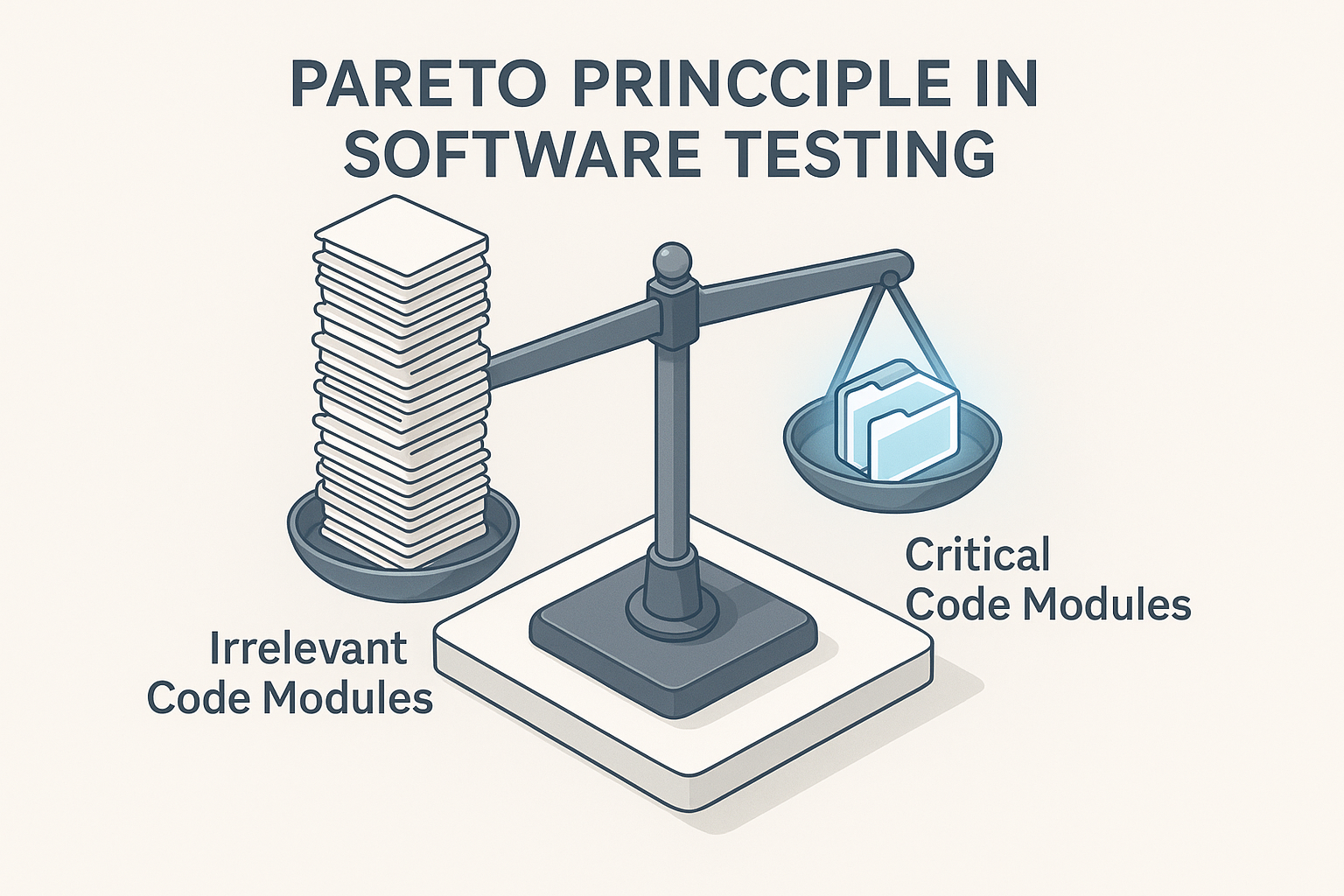
This is the fundamental tension that separates high-performing QA organizations from the rest: more testing does not equal better testing. The Pareto Principle – the observation that roughly 80% of consequences stem from 20% of causes – offers a disciplined, data-backed framework for resolving that tension. For QA leads, performance engineers, and SREs operating under real sprint deadlines and finite automation budgets, the question isn’t “how much can we test?” It’s “are we testing the right 20%?”
This guide delivers a concrete, four-input prioritization framework for identifying the code, user journeys, and load scenarios that carry the vast majority of your production risk – and shows you exactly how to concentrate your team’s effort, automation investment, and load testing cycles there. We’ll move from principle to implementation to measurement, covering functional testing, load testing strategy, resource allocation, the honest dangers of misapplication, and the metrics that prove your strategy is working.
- What Is the 80/20 Rule in Software Testing?
- Identifying Your Critical 20%: A Data-Driven Test Prioritization Framework
- Applying the 80/20 Rule to Load Testing: Focus on the Scenarios That Actually Break Production
- Resource Allocation and the 80/20 Rule: Where to Spend Your QA Budget
- The Dangers of Misapplying the 80/20 Rule – And How to Avoid Them
- Balancing Pareto Efficiency With Comprehensive Quality: The Hybrid Testing Strategy
- Measuring Whether Your 80/20 Strategy Is Actually Working
- References
What Is the 80/20 Rule in Software Testing?
From Vilfredo Pareto to Your Sprint Backlog: A Brief History
In 1896, Italian economist Vilfredo Pareto documented that approximately 80% of Italy’s land was owned by 20% of the population. The observation remained an economic curiosity until the 1950s, when Joseph Juran – working on industrial quality management at Western Electric – recognized the same asymmetric distribution in manufacturing defect data. Juran coined the term “the vital few and the trivial many” and formally extended Pareto’s observation into a quality management principle: a small number of root causes generate the majority of quality problems [1].

That intellectual bridge – from land ownership distributions to defect distributions – is why the 80/20 rule now informs how you decide which modules go into your regression suite, which APIs get load-tested first, and which features warrant senior-engineer attention versus junior-level verification.
The Defect Clustering Reality: Why 80% of Your Bugs Live in 20% of Your Code
Defect clustering isn’t folklore. One of the largest empirical validations came from a Microsoft Research study by Nagappan, Murphy, and Basili, who analyzed the entire Windows Vista codebase: 3,404 binaries totaling over 50 million lines of code, with six months of post-release failure data. Their finding: organizational structure metrics – the number of engineers touching a binary, ownership concentration, and edit frequency – predicted failure-prone binaries with 86.2% precision and 84.0% recall across 50 randomized validation splits [2]. In other words, measurable characteristics of code modules reliably identify which ones will generate the most production failures, and those failure-prone modules are a minority of the total codebase.
In a typical enterprise application with 150+ modules, defect history consistently shows that 25 – 35 modules account for over three-quarters of all production incidents. Capers Jones’s decades of defect density research across thousands of software projects corroborates this clustering pattern: defect rates vary by an order of magnitude across modules within the same application, and the highest-density modules are predictable using complexity and churn indicators [3].
The 100% Test Coverage Myth – and Why It’s a Resource Trap
The Microsoft Research Vista study delivered a second, equally important finding: traditional metrics like code churn, cyclomatic complexity, coverage, dependencies, and pre-release bug measures were outperformed by organizational structure metrics as failure predictors [2]. High coverage on the wrong modules provides limited predictive quality signal. A module can have 95% line coverage and still harbor the defect that takes down production – because the coverage metric doesn’t distinguish between testing the happy path of a low-risk utility function and testing the failure-mode behavior of a payment-processing endpoint under concurrent load.
The NIST Planning Report 02-3 quantifies the economic consequence: defects found post-release cost up to 30 times more to fix than those caught in the requirements stage, and a 50% reduction in bugs yields only a proportional – not amplified – reduction in total cost unless defect detection is front-loaded in high-risk areas [4]. Strategic prioritization, not blanket coverage, is the cost lever.
QA Lead Perspective: “We had 85% line coverage on our checkout module and felt confident. But we’d never tested the edge case of simultaneous coupon application and loyalty points redemption under load – the exact transaction type that caused a P1 outage during our holiday sale. Coverage percentage told us we were fine. Defect history and traffic data would have told us we were exposed.”
Identifying Your Critical 20%: A Data-Driven Test Prioritization Framework
This is the strategic heart of the article – the ‘how to actually do it’ section that competitors consistently fail to deliver. Rather than vague recommendations, this section provides a concrete, repeatable four-input framework for identifying which 20% of your application deserves 80% of your testing investment. It draws on production defect history, traffic and usage analytics, business value mapping, and code complexity signals.
Input 1 – Production Defect History: Building Your Failure Heat Map
Mine your defect tracker (Jira, Azure DevOps, or equivalent), incident post-mortems, and APM alert logs for the trailing 6 – 12 months. For each module or service, calculate a weighted priority score:
Priority Score = (Defect Count × Severity Weight × Customer Impact Score) / Module Size (KLOC)Severity weights: P1 = 10, P2 = 5, P3 = 2, P4 = 1. Customer impact multiplier: revenue-affecting = 3×, user-facing non-revenue = 2×, internal-only = 1×.
Any module scoring in the top 20th percentile of this distribution is an automatic candidate for your critical test suite. Capers Jones’s research consistently shows that this clustering pattern persists across releases – modules with high historical defect density remain high-risk unless they undergo significant architectural remediation [3].
Input 2 – Traffic and Usage Analytics: Testing What Users Actually Do
Real-user monitoring and APM data reveal which user journeys and API endpoints carry the highest actual transaction volume – and therefore the highest blast radius if they fail. If 78% of your transaction revenue flows through three API endpoints (product search, cart update, checkout submit), those endpoints are your critical 20% for load testing purposes, regardless of what your defect history says.
A practical threshold: any endpoint or user flow accounting for more than 10 – 15% of total transaction volume should be in your critical test suite. For an e-commerce platform, this typically means the login → search → product detail → add-to-cart → checkout → order-confirmation chain dominates the critical set. For a SaaS application, it might be authentication → dashboard load → report generation → data export.
Input 3 – Code Complexity and Ownership: Predicting Failure Before It Happens
The Microsoft Research Vista study demonstrated that modules touched by more contributors, with higher edit frequency, and lower ownership concentration are statistically more failure-prone – with 86.2% predictive precision, outperforming complexity metrics used in isolation [2].
A practical composite rule: modules with cyclomatic complexity above 15, modified by more than 4 contributors in a quarter, and with recent churn rates above 20% of their total lines are statistically high-risk candidates. Flag them for prioritized testing regardless of current defect count. Pull these signals from SonarQube (complexity), Git history (churn and contributor count), and code review metrics (ownership concentration).
Input 4 – Business Value Mapping: Aligning QA Risk With Revenue Impact
Technical risk scores must be adjusted by the business cost of failure. Collaborate with product managers to assign a revenue-criticality or compliance-criticality score (1 – 10) to each feature area. Then combine:
Testing Priority Index = Revenue Impact Score × Defect Risk ScoreExample application:
- Payment processing: Revenue Impact = 10, Defect Risk = 8, Priority Index = 80 → Top 20%
- User profile preferences: Revenue Impact = 2, Defect Risk = 3, Priority Index = 6 → Lower tier
- Compliance audit logging: Revenue Impact = 4 (regulatory penalty risk), Defect Risk = 6, Priority Index = 24 → Mid tier
NIST SP 800-115 formalizes this kind of combined technical-and-business risk assessment for security testing contexts, and the same structured approach applies directly to functional and performance test prioritization [5]. The ISO/IEC/IEEE 29119 Software Testing Standards provide the internationally recognized framework for risk-based test design techniques [6].
Applying the 80/20 Rule to Load Testing: Focus on the Scenarios That Actually Break Production
A user journey belongs in your critical load test suite if it meets any of these four criteria:
- It accounts for more than 10% of total session volume
- It touches a database write operation or external API call
- It has a direct revenue or compliance dependency
- It has failed under load in the previous 12 months
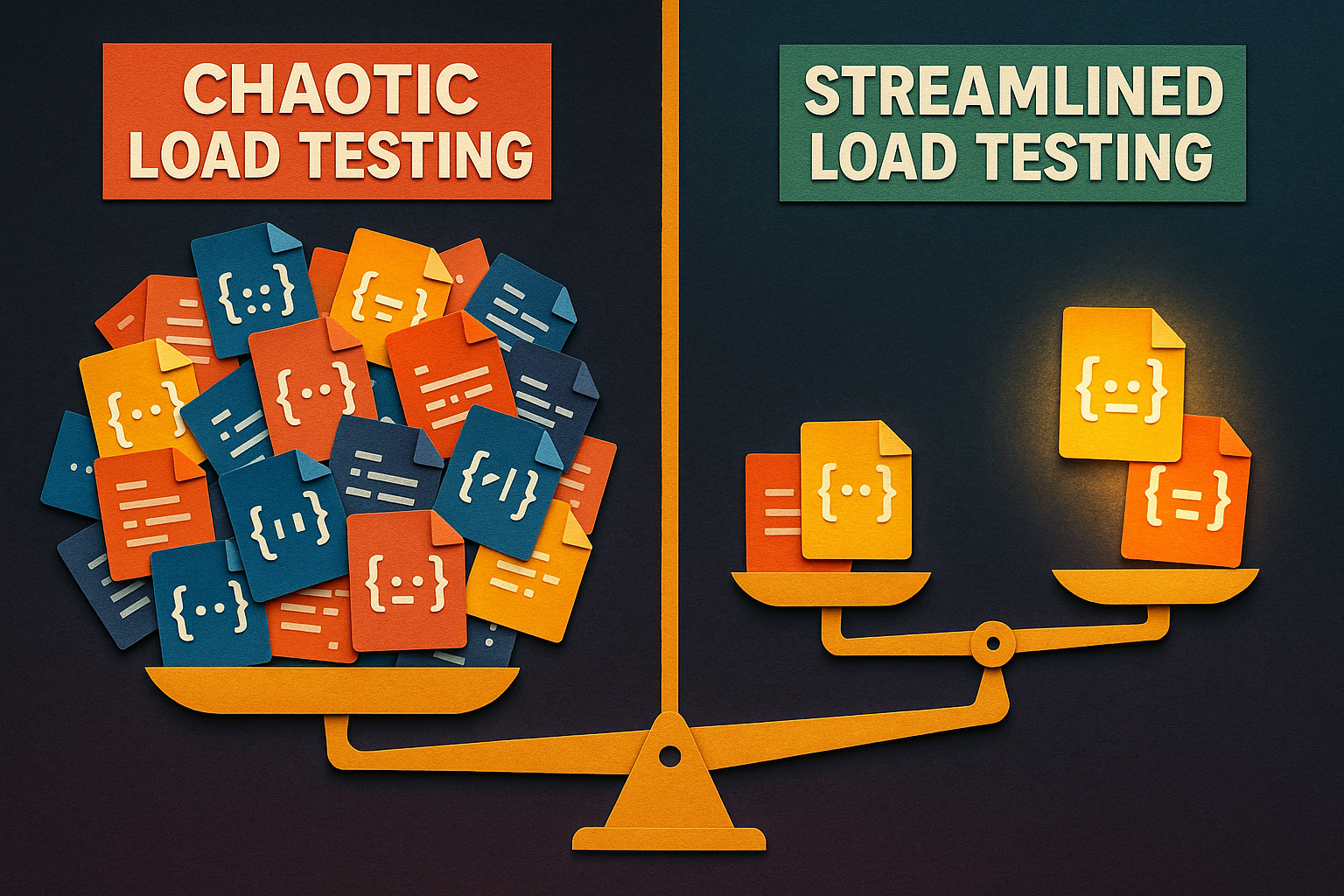
For a fintech application, this typically narrows to: login → account balance fetch → transfer initiation → confirmation receipt. For e-commerce: search → product detail → cart → checkout → payment confirmation. One team reduced their load test suite from 47 scripted scenarios to 9 high-signal scenarios using this checklist – and their subsequent load test runs surfaced three previously undetected bottlenecks in the payment gateway integration that the 47-scenario suite had been drowning in noise.
Peak Load vs. Edge Cases: Where to Invest Your Load Testing Time
Allocate load testing sprint hours deliberately: 70% on peak-load critical path scenarios, 20% on ramp-up and soak tests, and 10% on targeted edge cases. For a SaaS application expecting 5,000 concurrent users at peak, your critical checkout API should maintain p95 response time under 200ms and p99 under 500ms with zero 5xx errors – tracking these performance metrics that matter is essential for validating whether your critical 20% can withstand real-world load. If it can’t meet those thresholds under realistic virtual user distribution – not synthetic uniform load – you’ve identified your 80% of performance risk before production.
Edge cases (e.g., 10,000 concurrent users hitting the same product SKU simultaneously) deserve time-boxed investigation, not open-ended exploration during your core load test cycles.
WebLOAD in Action: Running a Pareto-Focused Load Test
Here’s a concrete four-step workflow for executing a Pareto-prioritized load test:
- Identify top-volume endpoints. Pull transaction volume data from your APM platform and rank endpoints by request count and revenue impact. Select the top 20% by composite score.
- Script the critical journey with parameterized user data. In WebLOAD, use the correlation engine to capture and replay dynamic session tokens, CSRF tokens, and authentication cookies – ensuring your scripts accurately represent real user sessions rather than fragile replays that break on the first dynamic value. Parameterize user credentials, product IDs, and input data from external CSV or database sources.
- Configure virtual user ramp to realistic peak. Model your ramp pattern after actual traffic curves – not flat-line concurrency. If your production traffic peaks at 3,000 concurrent sessions over a 20-minute ramp, configure the same curve. WebLOAD’s virtual user distribution capabilities support mixed scenario weighting, so your checkout flow can represent 40% of virtual users while search and browse represent 50%, and account management represents 10%. For guidance on building these realistic traffic models, see this guide on creating realistic load testing scenarios.
- Analyze response time percentile distribution by endpoint. In the results dashboard, examine transaction response time distributions (p50, p95, p99), throughput by scenario, and error rates by endpoint. The Pareto pattern typically confirms itself: 2 – 3 endpoints dominate the degradation curve. Those are your bottleneck hotspots – and they validate (or update) your critical 20% for the next cycle.
Resource Allocation and the 80/20 Rule: Where to Spend Your QA Budget
The NIST report establishes the economic foundation: with post-release defects costing up to 30× more than those caught early, every dollar of QA investment redirected from low-risk coverage to high-risk critical paths generates outsized returns [4].
Automate the Critical 20% First: Getting Maximum ROI From Your Test Automation Budget
Not everything worth testing is worth automating. Filter your automation candidates through three criteria:
- Executed more than once per sprint (high-frequency = high ROI per automation hour)
- Has a documented defect history (proven risk = proven value of automated detection)
- Can be parameterized for data-driven variation (multiple scenarios from one script)
Typically, 15 – 25% of a test suite meets all three criteria. Automating that subset first – rather than automating whatever’s easiest to script – means a team that currently spends 3 engineer-days per sprint on manual critical regression execution can recover approximately 6 hours of weekly capacity at scale.
Team Expertise Deployment: Putting Your Best Engineers on the Highest-Risk Work
Apply the same prioritization logic to human capital. A two-tier model:
- Tier 1 (Senior/Lead engineers): Modules with defect density above 2 bugs per KLOC in the trailing 6 months, cyclomatic complexity above 15, or multiple recent contributors. These modules need experienced judgment, not just script execution.
- Tier 2 (Mid-level and automated): Stable, lower-complexity modules with no recent defect history. Automated suites handle regression; mid-level engineers review results and handle exploratory sessions.
The Microsoft Research finding reinforces this: modules touched by more contributors have higher failure rates [2], meaning those shared, high-churn modules deserve your most experienced testers – the people who can spot subtle interaction defects that automated scripts miss.
The Dangers of Misapplying the 80/20 Rule – And How to Avoid Them
When the Long Tail Bites: Edge Cases That 80/20 Misses
The 80% of lower-risk test areas exist for a reason. Security vulnerabilities in particular often manifest in low-traffic, edge-case code paths – the admin panel endpoint that handles 0.3% of requests but accepts unsanitized input, or the password-reset flow that nobody load tests because it’s “low volume.”
Reserve 15 – 20% of test sprint capacity for structured exploratory testing sessions targeting low-traffic but high-impact code paths, particularly new features and third-party integrations. Exploratory testing is the intentional complement to Pareto-prioritized scripted execution – it’s how you discover defects in the long tail that your historical data hasn’t flagged yet.
Keeping Your Critical 20% Fresh: Avoiding Stale Risk Maps
When you only test the 20% you already know about, you stop discovering the 20% that’s about to matter. Force-refresh your priority map when any of these triggers occur:
- Any new third-party integration
- Any refactor touching more than 20% of a critical module
- Any infrastructure change (cloud migration, database upgrade, CDN switch)
- Any production incident in a previously low-risk area
For teams releasing every 2 weeks, re-score your priority index monthly. For quarterly release cycles, re-score after each major feature merge. A team that focused exclusively on their historically buggy payment module missed a critical defect in a newly integrated third-party shipping API – it had no defect history because it had never been tested, and it caused a P2 outage within its first month in production.
Balancing Pareto Efficiency With Comprehensive Quality: The Hybrid Testing Strategy
The resolution to “80/20 vs. comprehensive coverage” is a layered hybrid model with explicit resource allocation:
| Tier | Name | Resource Allocation | What Belongs Here |
|---|---|---|---|
| Tier 1 | Critical Path / Pareto Core | 70 – 80% of effort | Top 20% by Priority Index: revenue-critical flows, high-defect-density modules, peak-load scenarios |
| Tier 2 | Risk-Weighted Regression | 15 – 20% of effort | Medium-risk modules scored via probability × impact matrix; automated regression with periodic review |
| Tier 3 | Exploratory + Production Monitoring | 5 – 10% of effort | Time-boxed exploratory sessions, synthetic monitoring, canary deployment validation |
Risk-Based Testing Frameworks: The Middle Tier Between Pareto and Exhaustive
For Tier 2, use a 3×3 probability-impact matrix: Probability of Failure (Low / Medium / High) crossed with Impact if Failed (Low / Medium / High). Modules scoring High-High are Tier 1 candidates. Medium-High and High-Medium modules populate Tier 2 with proportional – not equal – test coverage. Low-Low modules get automated smoke checks only. ISO/IEC/IEEE 29119-4 formalizes this approach as an internationally recognized test design technique [6], and NIST’s Technical Guide to Security Testing and Assessment provides a parallel risk-prioritized methodology applicable beyond security-specific contexts [5].
Shift-Right and Continuous Testing: Catching What the 80/20 Strategy Missed
Two specific shift-right techniques close the gap:
Synthetic transaction monitoring:Continuously execute lightweight replays of critical user journeys in production (login → key transaction → logout) every 5 minutes, measuring response time and success rate. Any deviation beyond 2 standard deviations from the 7-day rolling average triggers an alert.
Canary deployment performance gates:When deploying a new release to a canary cohort (5 – 10% of production traffic), enforce automatic rollback if p99 latency on critical endpoints exceeds 400ms for 3 consecutive minutes. This catches performance regressions that pre-release load testing didn’t surface due to environment differences or data-distribution gaps.
Building the Feedback Loop: How Production Data Sharpens Your Pareto Map
Close the loop with a quarterly review process:
- Pull defect escape rate by module from production incident data
- Compare against current Priority Index scores
- Flag any module where production defect rate exceeds its predicted risk score
- Re-score and update test suite allocations for the next sprint cycle
- Review automation coverage of newly elevated risk modules and schedule scripting
Any production P1 incident in a module currently rated below Tier 1 triggers an immediate priority re-evaluation outside the scheduled review cycle. AI-assisted anomaly detection accelerates this process by automatically flagging rising-risk candidates – for example, an endpoint whose p95 response time increased 18% over the last 3 release cycles while traffic held constant, a signal human reviewers would likely miss in a 200-endpoint dashboard.
Measuring Whether Your 80/20 Strategy Is Actually Working
The Four Metrics That Prove Your Pareto Testing Strategy Is Working
1. Defect Escape Rate
Formula: (Defects Found in Production) / (Total Defects Found in Test + Production) × 100
Target: Below 10%; top-performing teams achieve below 5% for modules in the critical 20% suite.
2. Test Effectiveness Ratio
Formula: Defects Found in Testing / (Defects Found in Testing + Defects Found in Production)
Worked example: Team A found 42 defects in testing and 3 escaped to production → 42/45 = 93.3%. Above the 80% target, confirming the critical 20% is well-selected.
3. Automation Coverage of Critical 20%
Target: 100% of Tier 1 critical-path test cases should be automated. If any Tier 1 test case still requires manual execution, it’s an automation backlog priority.
4. Load Test Cycle Time
Target: 30%+ reduction compared to the previous exhaustive suite approach, measured in wall-clock hours per load test execution cycle. If you went from 47 scenarios (8-hour run) to 9 high-signal scenarios (3-hour run) with equal or better defect detection, the strategy is validated.
If the NIST cost model holds [4], a successful Pareto strategy should shift your cost curve left over successive releases – fewer post-release defects, lower total remediation spend per cycle, and faster mean-time-to-resolution because the defects you do find in production are in the long tail, not the critical path.
Using AI to Identify Evolving Risk Patterns: When Your 20% Needs to Change
Two specific AI/ML capabilities are directly applicable to keeping your Pareto map current:
Anomaly detection in performance time-series data:ML models trained on historical load test results and production APM telemetry flag endpoints exhibiting statistically significant degradation trends – rising p95 latency, increasing error rates, or throughput drops – even when absolute values haven’t yet breached alert thresholds. RadView’s platform incorporates this pattern-based identification to surface new bottleneck candidates from successive test runs.
Defect cluster pattern recognition:ML analysis of historical defect logs identifies modules transitioning from low-risk to high-risk based on emerging correlations between code churn, contributor changes, and recent defect submissions – patterns that a static heat map built on 6-month-old data would miss entirely.
The honest framing: AI assists human judgment by surfacing patterns at scale. Human review of AI-flagged risk areas remains important for context and false-positive filtering. The goal is augmented prioritization, not automated decision-making.
References
- Juran, J.M. (1951). Quality Control Handbook. McGraw-Hill. Joseph Juran extended Vilfredo Pareto’s 1896 economic observation into the quality management principle of “the vital few and the trivial many,” establishing the intellectual foundation for applying the 80/20 rule to defect analysis.
- Nagappan, N., Murphy, B., & Basili, V.R. (2008). The Influence of Organizational Structure On Software Quality: An Empirical Case Study. Microsoft Research Technical Report MSR-TR-2008-11. Retrieved from https://www.microsoft.com/en-us/research/wp-content/uploads/2016/02/tr-2008-11.pdf
- Jones, C. (Various publications). Defect density research across thousands of software projects, documenting persistent module-level defect clustering patterns. Referenced via standard software engineering measurement literature, including Applied Software Measurement (McGraw-Hill).
- RTI / National Institute of Standards and Technology. (2002). Planning Report 02-3: The Economic Impacts of Inadequate Infrastructure for Software Testing. NIST. Retrieved from https://www.nist.gov/system/files/documents/director/planning/report02-3.pdf
- National Institute of Standards and Technology. (2008). SP 800-115: Technical Guide to Information Security Testing and Assessment. NIST Computer Security Resource Center. Retrieved from https://csrc.nist.gov/publications/detail/sp/800-115/final
- ISO/IEC/IEEE. (2021). ISO/IEC/IEEE 29119-4: Software and Systems Engineering – Software Testing – Part 4: Test Techniques. International Organization for Standardization. Retrieved from https://www.iso.org/standard/81291.html