Your last load test passed. Average response time: 180ms. Green across the board. Two weeks later, your checkout flow collapsed during a flash sale because 4% of real users were waiting 8 seconds for a page to render – a tail latency problem that your average-focused dashboard never surfaced. The post-mortem took three days. The revenue impact took one sentence to summarize.
This scenario isn’t hypothetical. It’s the predictable consequence of a metric strategy built on defaults rather than decisions. QA leads, SREs, and DevOps engineers routinely inherit test configurations that collect dozens of data points yet fail to flag the five or six readings that actually predict production failures. To learn about setting up metrics that truly matter, consider exploring The Performance Metrics That Matter in Performance Engineering. The result is analysis paralysis on one end and dangerous blind spots on the other.
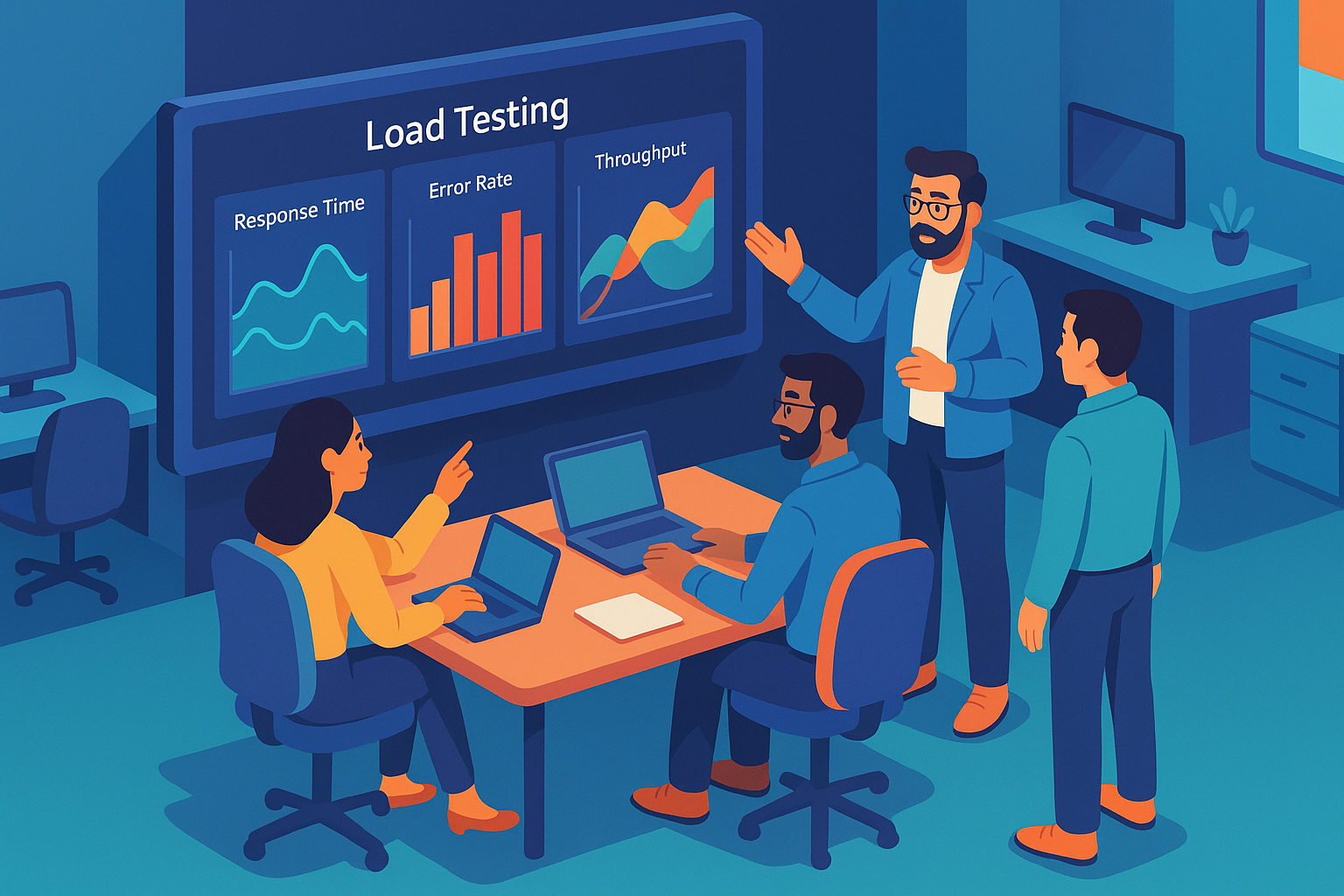
This guide fixes that. It’s not another metrics glossary, you already know what response time means. Instead, you’ll walk away with a prioritized framework for selecting the KPIs that matter for your specific architecture, concrete thresholds grounded in published SRE research and human-perception science, a diagnostic methodology for tracing what the numbers are actually telling you, and a re-test validation workflow that confirms your fixes before go-live. The entire approach builds on Google’s Four Golden Signals framework [1], the same model Google’s own SRE teams use to operate services at planetary scale.
Let’s get into it.
- Why Most Teams Are Measuring the Wrong Things (And Paying for It)
- The Four Golden Signals: Your Non-Negotiable Load Testing Foundation
- Beyond the Golden Signals: The Supporting Metrics That Complete the Picture
- From Test Results to Action: How to Diagnose What Your Metrics Are Actually Telling You
- Frequently Asked Questions
- Conclusion
- References and Authoritative Sources
Why Most Teams Are Measuring the Wrong Things (And Paying for It)
The default dashboard of most load testing platforms surfaces 30 to 50 metrics per test run. Thread counts, heap allocation, DNS resolution time, cookie handling latency, all technically correct, all mostly irrelevant to the question you actually need answered: will this system hold up under real user load? For a better understanding of structuring load tests effectively, check out Best Practices for Testing Web Applications.
The deeper problem isn’t data volume. It’s misplaced trust in the wrong aggregation. Rob Ewaschuk, writing in Google’s Site Reliability Engineering handbook, puts it plainly: “If you run a web service with an average latency of 100 ms at 1,000 requests per second, 1% of requests might easily take 5 seconds. If your users depend on several such web services to render their page, the 99th percentile of one backend can easily become the median response of your frontend” [1]. That means a dashboard showing a healthy 100ms average can coexist with thousands of users experiencing multi-second delays – every hour.
The SRE Book’s Chapter 4 reinforces this with production data: “a typical request is served in about 50 ms, 5% of requests are 20 times slower” [2]. Monitoring and alerting based only on the average would show no change in behavior over the course of the day, even as tail latency silently degrades.
Most QA leads inherit test suites configured to alert on averages because that was the tool default, not because it was the right choice. The cost of that inheritance shows up in SLA breaches, user abandonment, and post-mortems that could have been prevented by tracking three additional percentile columns.
The fix isn’t collecting more data. It’s ruthlessly prioritizing the metrics that predict user impact and system failure, then building diagnostic habits around them. That’s what the rest of this guide delivers.
The Four Golden Signals: Your Non-Negotiable Load Testing Foundation
Google’s SRE organization distilled decades of operational experience into a single directive: “The four golden signals of monitoring are latency, traffic, errors, and saturation. If you can only measure four metrics of your user-facing system, focus on these four” [1].
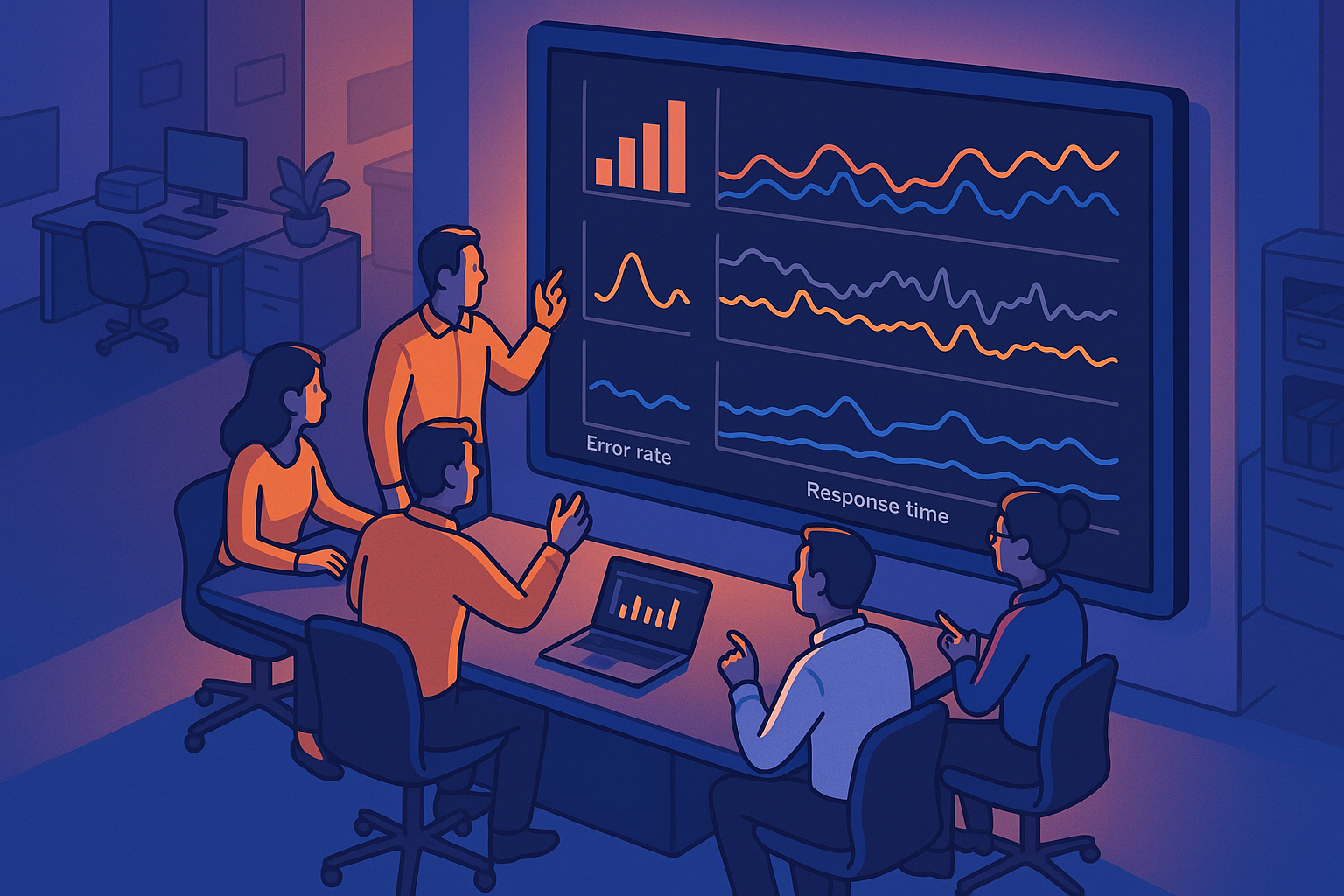
This framework wasn’t developed in a lab. It emerged from operating systems serving billions of requests daily, and it translates directly to load testing. Each signal maps to a specific load testing KPI, and together they form the triage layer that determines whether you have a problem worth investigating further, before you touch any of the 40 other metrics your tool offers.
| Golden Signal | Load Testing Equivalent | What It Reveals |
|---|---|---|
| Latency | Response time at p50/p95/p99 | User-perceived speed and tail-latency risk |
| Traffic | Requests per second (RPS) / Transactions per second (TPS) | System capacity and throughput ceiling |
| Errors | HTTP 4xx/5xx rate, timeout rate, assertion failures | Direct user-impact failures under load |
| Saturation | CPU, memory, connection pool, thread pool utilization % | How close you are to the resource ceiling |
If your load test report doesn’t surface all four, you’re operating with an incomplete picture. If it surfaces all four with the right thresholds, you can diagnose 80% of performance problems before they reach production. For further insights on the significance of performance testing trends, refer to Emerging Performance Testing Trends for 2024.
Latency: Why Response Time Percentiles Beat Averages Every Time
Response time is the most user-visible metric you’ll track, and the most frequently misinterpreted. The fix is straightforward: stop reporting averages in isolation and start reporting percentile distributions.
Dr. Jakob Nielsen’s foundational research at the Nielsen Norman Group established three human-perception thresholds that remain unchanged after five decades of validation: “0.1 second is about the limit for having the user feel that the system is reacting instantaneously… 1.0 second is about the limit for the user’s flow of thought to stay uninterrupted… 10 seconds is about the limit for keeping the user’s attention focused on the dialogue” [3]. These aren’t arbitrary targets, they’re rooted in cognitive science research by Miller (1968) and Card, Robertson & Mackinlay (1991).
The Google SRE Book provides a concrete SLO template engineers can adapt directly: “90% of Get RPC calls complete in <1ms; 99% in <10ms; 99.9% in <100ms” [2]. It also notes that “people typically prefer a slightly slower system to one with high variance in response time” [2] which means p99 stability, not p50 speed, should be your primary optimization target.
For most load testing tools, percentile reporting requires explicit configuration. In WebLOAD, enable percentile breakdowns (p50, p90, p95, p99) in the session configuration before test execution, this ensures the data is captured at collection time rather than approximated post-hoc from summary statistics.
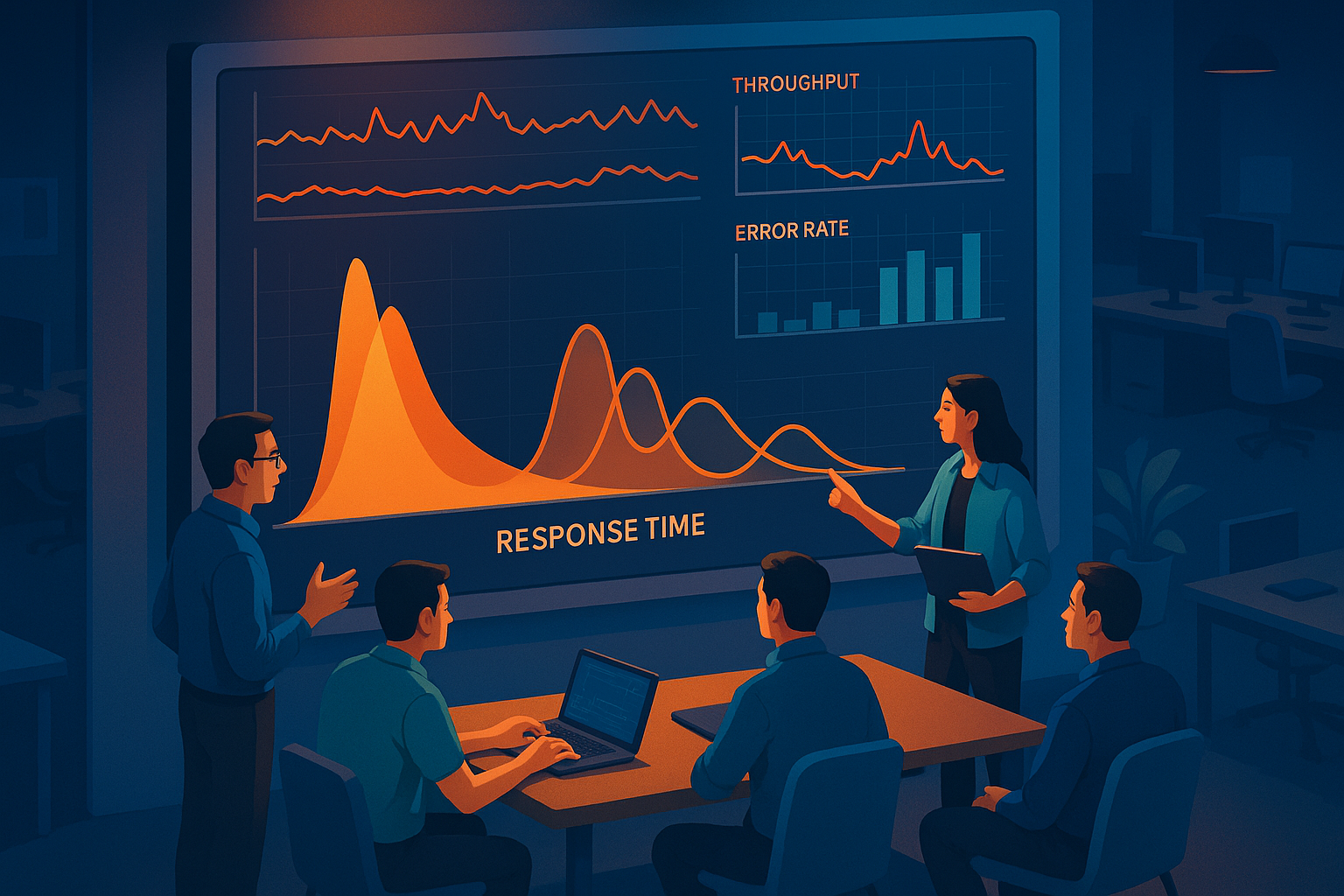
Reading a Response Time Distribution: What the Shape of Your Curve Tells You
A response time histogram tells you more than any single number. Two shapes demand immediate attention:
Right-skewed distribution (long tail extending to the right): Most requests complete quickly, but a meaningful percentage take dramatically longer. This is the classic tail-latency signature. Investigate slow database queries, garbage collection pauses, or external dependency timeouts affecting a subset of requests.
Bimodal distribution (two distinct peaks): This typically signals two distinct code paths, for example, cached vs. uncached responses, or authenticated vs. unauthenticated user flows. If your load test aggregates both populations into a single metric, your average will be mathematically correct and operationally meaningless. Split your analysis by transaction type.
WebLOAD’s reporting provides configurable percentile histograms rather than just summary statistics, making these distribution shapes visible during the test run rather than requiring offline statistical analysis.
Setting Response Time Thresholds: A Practical Framework for Different Application Types
Generic thresholds are dangerous because a 500ms response time that’s excellent for a complex dashboard rendering is unacceptable for a REST API health check. Here are reference starting points derived from SRE practice, calibrate against your own baseline before adopting any of these as hard pass/fail criteria:
| Application Type | p95 Target | p99 Target | p99 Critical |
|---|---|---|---|
| Customer-facing web app | < 2s | < 4s | > 6s |
| REST API (external) | < 500ms | < 1s | > 2s |
| Microservice internal call | < 100ms | < 250ms | > 500ms |
| Batch processing job | < 30s per batch | < 60s | > 120s |
These values follow the SLI/SLO methodology from Google SRE Chapter 4 [2] they represent tiered objectives, not universal mandates. The most effective teams establish baselines from three to five historical load test runs, then set thresholds at 1.5× and 2× the baseline p95 for warning and critical levels respectively.
Throughput: Measuring How Much Your System Can Actually Handle
Throughput – measured as requests per second (RPS) for HTTP workloads or transactions per second (TPS) for business workflow tests – is the “traffic” golden signal applied to load testing. It answers a deceptively simple question: how much work can your system sustain before performance degrades? Dive deeper into traffic modeling with Creating Realistic Load Testing Scenarios: A Comprehensive Guide.
The critical concept here is the knee point: the load level where throughput stops scaling linearly with added virtual users. For example, at 300 concurrent users, throughput might plateau at 850 RPS while response time begins climbing from 200ms to 600ms, that’s your saturation boundary, the load level where adding more users produces worse outcomes, not more capacity.
Use RPS when testing stateless HTTP endpoints. Use TPS when testing multi-step business workflows (e.g., login → search → add to cart → checkout) where a single “transaction” comprises multiple HTTP requests. Confusing the two will produce misleading capacity projections.
WebLOAD provides real-time throughput visualization alongside concurrent virtual user count, so teams can directly observe the relationship between load increase and throughput response, the key to identifying the knee point during the test rather than in post-analysis.
Error Rate: The Signal You Cannot Afford to Treat as Noise
The Google SRE framework defines errors as “the rate of requests that are failing, either explicitly (e.g., HTTP 500s), implicitly (for example, an HTTP 200 success response, but coupled with the wrong content), or by policy” [1]. That third category – errors by policy – is the one most load tests miss entirely: responses that return HTTP 200 but contain incorrect data, truncated payloads, or missing elements.
At scale, small error percentages translate to massive user impact. At 10,000 requests per minute, a 0.5% error rate means 50 users per minute experiencing failures – 3,000 per hour. During a four-hour peak traffic window, that’s 12,000 failed user sessions.
Categorize errors into three investigation paths:
- Server errors (5xx): Application crashes, out-of-memory conditions, unhandled exceptions. Investigate application logs and resource saturation metrics.
- Client errors (4xx): Often indicate test script issues (incorrect URLs, expired tokens) rather than application failures. Validate your test data before escalating.
- Timeouts: Requests that exceed the configured response deadline. Investigate connection pool exhaustion, network saturation, or downstream dependency failures.
One of the most common QA mistakes is setting an error rate threshold of 5%, which sounds small until you do the math at peak load scale. For customer-facing applications, target < 0.1% for server errors under expected peak load.
Saturation: CPU, Memory, and the Resource Ceiling You Need to Know Before Go-Live
Saturation measures how close each resource is to its maximum capacity. It’s the most forward-looking signal because it predicts failures that haven’t happened yet. As the SRE Book notes: “Measuring your 99th percentile response time over some small window (e.g., one minute) can give a very early signal of saturation” [1] meaning latency degradation is often the first visible symptom of a resource approaching its ceiling.
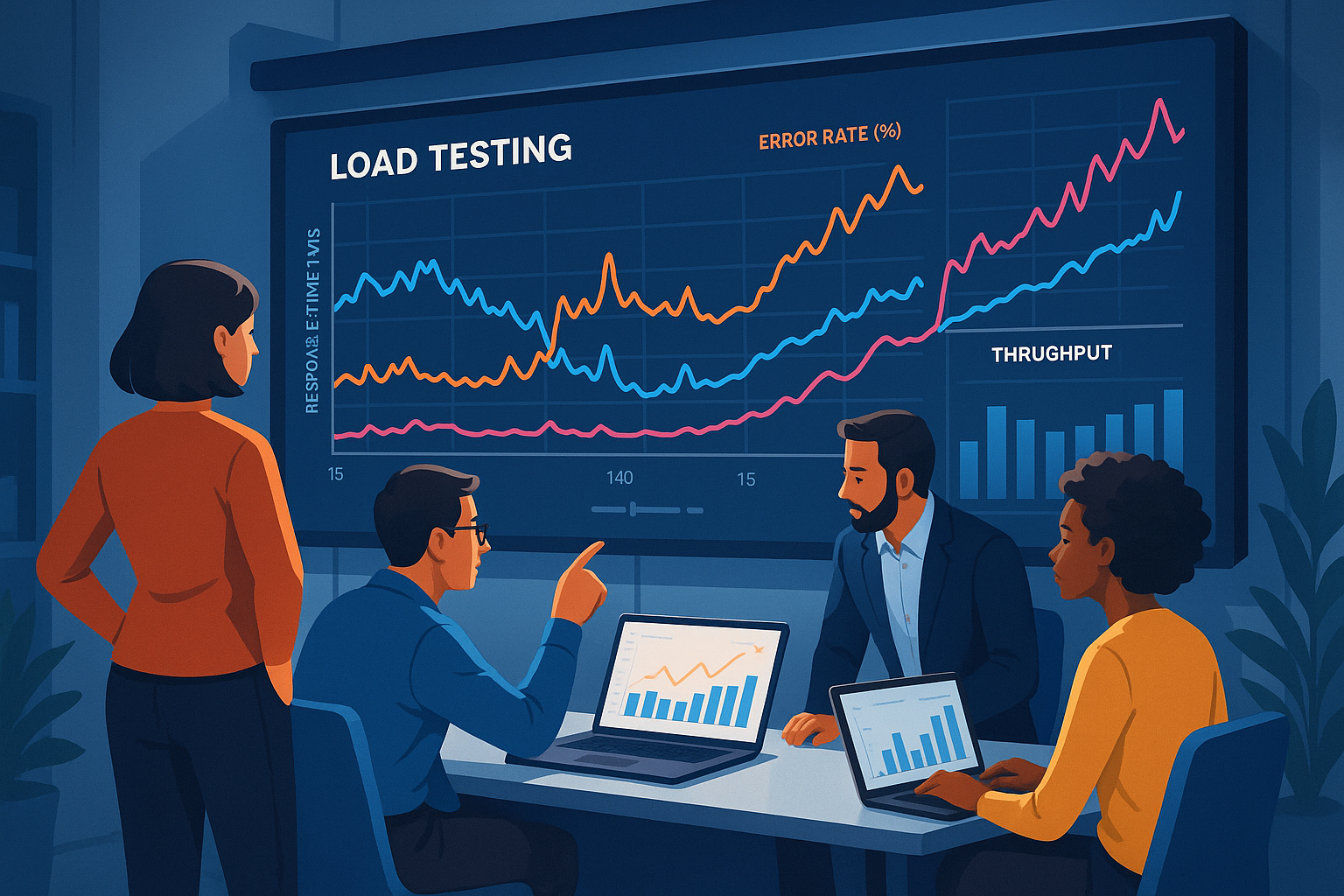
Specific saturation warning thresholds to configure in your load tests:
- CPU > 80% sustained under load: saturation risk. Horizontal scaling or code optimization needed.
- Memory utilization growing without plateau: likely memory leak. Requires soak testing to confirm.
- Connection pool utilization > 90%: queue saturation imminent. Increase pool size or investigate connection leak.
- Thread pool at maximum: requests will queue, latency will spike non-linearly.
RadView’s platform supports server-side monitoring integration that surfaces these resource metrics alongside client-side response data, enabling correlated analysis during the test run rather than requiring separate infrastructure monitoring post-hoc.
Beyond the Golden Signals: The Supporting Metrics That Complete the Picture
The Four Golden Signals tell you whether you have a problem. Supporting metrics tell you where to look. These second-tier KPIs add essential diagnostic context without recreating the metric overload problem – but only when you know when to pull them in.
Concurrent Users vs. Virtual Users: Getting Your Load Model Right
The most costly misconfiguration in load testing is conflating virtual users (VUs configured in the tool) with concurrent active users. A virtual user that includes think time, page rendering delays, and session idle periods generates far less concurrent load than one firing requests continuously.
Worked example: If your target is 1,000 simultaneous active users, each with a 30-second average session containing 5 seconds of think time between actions, your required VU count is approximately 1,167 – not 1,000. Configuring 1,000 VUs with zero think time simulates unrealistic 100% concurrency and produces inflated degradation readings that don’t reflect production behavior.
WebLOAD supports configurable think time, pacing, and ramp-up profiles, giving teams the controls needed to produce a realistic concurrency model without manual scripting workarounds.
Frontend Metrics Under Load: TTFB, LCP, and What They Reveal About the Full User Journey
Server response time alone doesn’t capture the full user experience. Time to First Byte (TTFB) and Largest Contentful Paint (LCP) measure what users actually perceive.
Google’s Core Web Vitals define the thresholds: TTFB < 800ms is good, 800ms–1800ms needs improvement, > 1800ms is poor. LCP < 2.5s is good, > 4s is poor [4]. These same thresholds are Google Search ranking signals, making them a compelling business justification for stakeholders who don’t typically engage with load testing reports.
Under load, TTFB degradation often amplifies non-linearly into LCP impact. A TTFB increase from 200ms to 450ms at 500 concurrent users might push LCP from 1.8s to 3.4s – crossing the “needs improvement” threshold and triggering measurable user experience degradation that your backend response time metric alone wouldn’t flag. As Dr. Nielsen’s research confirms, the 1.0-second threshold is “about the limit for the user’s flow of thought to stay uninterrupted” [3] making TTFB a critical bridge metric between server performance and cognitive load.
Database and Connection Pool Metrics: The Hidden Bottlenecks Most Load Tests Miss
Here’s a diagnostic scenario that illustrates why infrastructure-layer metrics matter:
The problem: Response time spiked at 400 VUs, but CPU utilization remained below 60%.
The investigation: Checking connection pool utilization revealed 98% saturation – the database connection pool was configured for 200 connections, not 400.
The fix: Increasing pool size to 500 resolved the bottleneck without any infrastructure scaling.
The validation: Re-test at 400 VUs showed p95 response time dropped from 3.2s back to 380ms.
Without connection pool monitoring, this team would have spent hours profiling application code or provisioning additional compute – neither of which would have addressed the actual constraint. Database query response time, active thread counts, and queue depth are the metrics that reveal these hidden bottlenecks. For tools and techniques to aid in this monitoring, explore Essential Tools for Testing WebSocket Applications.
From Test Results to Action: How to Diagnose What Your Metrics Are Actually Telling You
This is where most guides stop and most teams get stuck. You have the data. Now what? The diagnostic methodology below uses the Four Golden Signals as a triage layer, then branches into specific investigation paths based on which signals are degrading and how they correlate.
The most experienced SREs share one consistent habit: they never act on a single metric in isolation. Every finding is a correlation hypothesis until confirmed by a second corroborating signal.
The Correlation Method: Pairing Client-Side and Server-Side Metrics to Isolate Root Causes
Overlay client-side response time and error rate trends against server-side CPU, memory, connection pool, and database metrics on a shared timeline. The sequence of degradation – which signal moves first – reveals the causal chain.
Example correlation walkthrough:
- t=8 min (350 VUs): p99 latency climbs from 450ms to 1.2s
- CPU: 58% (not the bottleneck)
- Connection pool: 87% utilized (approaching saturation)
- DB query time: stable at 12ms (not the bottleneck)
- Diagnosis: Connection pool saturation, not application or database issue
- Action: Increase pool size, add connection timeout logging, re-test
WebLOAD’s integrated dashboard enables this correlated view natively, pairing virtual user load curves, response time percentiles, and server-side resource metrics in a single configurable view. This reduces the manual effort of exporting data from three different monitoring tools into a spreadsheet for cross-correlation.
Recognizing the Patterns: Five Common Load Test Failure Signatures and What They Mean
After running thousands of load tests across different architectures, five degradation patterns recur consistently:
- The Slow Ramp: Response time increases linearly as concurrency grows. p95 at 100 VUs: 400ms. At 200 VUs: 800ms. At 300 VUs: 1.2s. Likely cause: Compute-bound application code or insufficient horizontal scaling. Test type: Standard ramp-up load test.
- The Cliff Edge: Performance remains stable until a specific threshold, then collapses catastrophically. Throughput drops 80% within 30 seconds. Likely cause: Hard resource limit hit – max connection pool, memory ceiling, thread pool exhaustion. Test type: Spike test or step-load test.
- The Slow Bleed: Memory utilization increases 2-3% every 5 minutes without plateauing. Response time degrades linearly over a 30-minute test. Likely cause: Memory leak or resource handle leak. Test type: Soak test (minimum 2-hour duration).
- The False Pass: Average response time passes. p50 passes. But p99 is 8× the p50 value. Likely cause: Intermittent failures affecting a small but significant user population – GC pauses, slow DB queries on specific data patterns, or cache misses on cold paths. Test type: Any, but requires percentile reporting enabled.
- The Intermittent Spike: Erratic p99 spikes every 60-90 seconds against otherwise stable performance. Likely cause: Garbage collection pauses, scheduled background jobs, or external dependency timeouts. Test type: Extended steady-state test with 1-second granularity metric collection.
The “False Pass” pattern is the one most commonly cited by performance engineers as the cause of production incidents that “we never saw coming in testing.” It’s entirely preventable by tracking percentile distributions rather than averages.
Validating Fixes: How to Re-Test After Remediation and Confirm the Bottleneck Is Gone
A fix that isn’t validated with a structured re-test is an assumption, not a resolution. The re-test must use the exact same load profile, duration, and metric collection scope as the original test. Compare results using a before/after template:
| Metric | Before Fix | After Fix | Delta | Pass/Fail |
|---|---|---|---|---|
| p95 Response Time | 3.2s | 380ms | -88% | ✅ Pass |
| p99 Response Time | 8.1s | 920ms | -89% | ✅ Pass |
| Error Rate | 2.3% | 0.04% | -98% | ✅ Pass |
| Max Throughput | 620 RPS | 1,140 RPS | +84% | ✅ Pass |
| Connection Pool Peak | 98% | 62% | -37% | ✅ Pass |
Three validation rules: (1) Run the re-test at least twice to confirm results are reproducible, not statistical noise. (2) Check that the fix didn’t shift the bottleneck elsewhere, a connection pool fix might expose a downstream database query issue. (3) Document the findings in a format stakeholders can consume: metric, before, after, business impact.
Frequently Asked Questions
Is 100% load test coverage worth the investment?
Not always. Covering every endpoint and every user flow with full load testing is prohibitively expensive for most organizations. Prioritize coverage by business impact: revenue-generating workflows (checkout, payment, signup), high-traffic pages, and any endpoint with known historical performance issues. A well-designed test covering 20% of endpoints by count but 80% of traffic by volume delivers far more value per engineering hour than exhaustive endpoint enumeration.
How do I convince stakeholders that p95/p99 matters when the average looks fine?
Translate the percentile into user count and revenue impact. “Our average response time is 200ms” sounds great. “1,200 users per hour are waiting more than 6 seconds” sounds like a business problem. Multiply the affected user count by your conversion rate and average order value for a dollar figure that gets executive attention. The Google SRE Book’s SLO framework [2] provides a structured methodology for this translation.
Should load test thresholds be static across releases?
No. Thresholds should evolve with your baseline. After significant architecture changes (new caching layer, database migration, microservice decomposition), re-establish baselines from three to five clean test runs before setting new pass/fail criteria. Static thresholds from six months ago may mask gradual degradation or, conversely, fail tests that are actually performing better than the old architecture ever did.
What’s the minimum soak test duration to catch memory leaks reliably?
Two hours is the practical minimum; four hours is safer for applications with complex object lifecycles. Memory leaks that manifest at 2-3% growth per five minutes may not produce visible response time degradation until 90-120 minutes into the test. Configure your monitoring to capture memory utilization at 30-second intervals and look for a growth trend that never plateaus – that’s the signature.
How frequently should load tests run in a CI/CD pipeline?
Run a lightweight performance smoke test (reduced VU count, core transaction paths only, 5-minute duration) on every merge to main. Run a full-scale load test (production-equivalent VU count, complete scenario mix, 30+ minute duration) before every release candidate or on a nightly schedule. The smoke test catches regressions within minutes; the full test validates capacity. Trying to run full-scale tests on every commit creates pipeline bottlenecks that teams will eventually bypass.
Conclusion
The gap between teams that prevent performance incidents and teams that investigate them after the fact comes down to metric discipline: tracking the right KPIs, setting thresholds grounded in user-perception science and SRE practice, and building diagnostic habits that turn data into decisions.
Start with the Four Golden Signals. Add supporting metrics only when the golden signals flag a problem you can’t isolate. Set tiered thresholds (target / warning / critical) calibrated to your own baseline, not borrowed from a blog post. And always validate fixes with structured re-tests before declaring a bottleneck resolved.
The metrics aren’t the hard part. Knowing what they’re telling you is.
References and Authoritative Sources
- Ewaschuk, R. (2017). “Chapter 6 – Monitoring Distributed Systems.” In Beyer, B., Jones, C., Petoff, J., & Murphy, N.R. (Eds.), Site Reliability Engineering: How Google Runs Production Systems. O’Reilly Media. Retrieved from https://sre.google/sre-book/monitoring-distributed-systems/
- Jones, C., Wilkes, J., Murphy, N.R., & Smith, C. (2017). “Chapter 4 – Service Level Objectives.” In Beyer, B., Jones, C., Petoff, J., & Murphy, N.R. (Eds.), Site Reliability Engineering: How Google Runs Production Systems. O’Reilly Media. Retrieved from https://sre.google/sre-book/service-level-objectives/
- Nielsen, J. (1993; updated 2014). “Response Times: The 3 Important Limits.” Nielsen Norman Group. Retrieved from https://www.nngroup.com/articles/response-times-3-important-limits/
- Google Developers. (2020; updated 2024). “Web Vitals.” web.dev. Retrieved from https://web.dev/articles/vitals