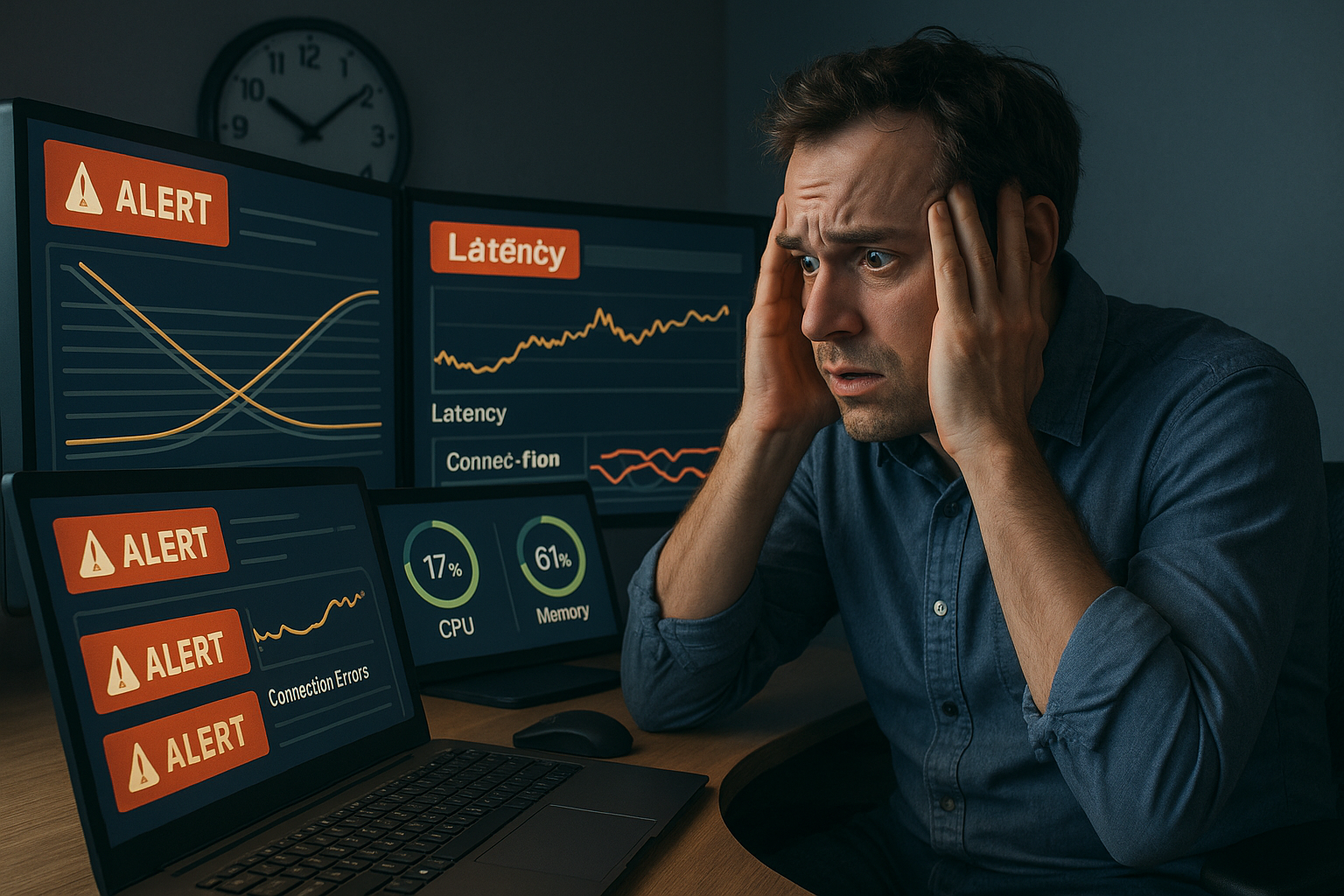
It’s 11 PM on a Friday. Your e-commerce platform is running a flash sale, and alarms start firing. P99 latency has jumped from 80ms to 4.2 seconds. Error rates are climbing. Users are dropping off. You pull up your infrastructure dashboards, and CPU is sitting at 32%. Memory is fine. Disk I/O is normal. Nothing looks wrong, except everything is broken.

You’re looking at connection pool exhaustion, and it’s the single most common database bottleneck uncovered during load testing. The pool saturates while compute resources barely register a blip, which is exactly why teams miss it in development and staging environments that don’t simulate realistic concurrency.
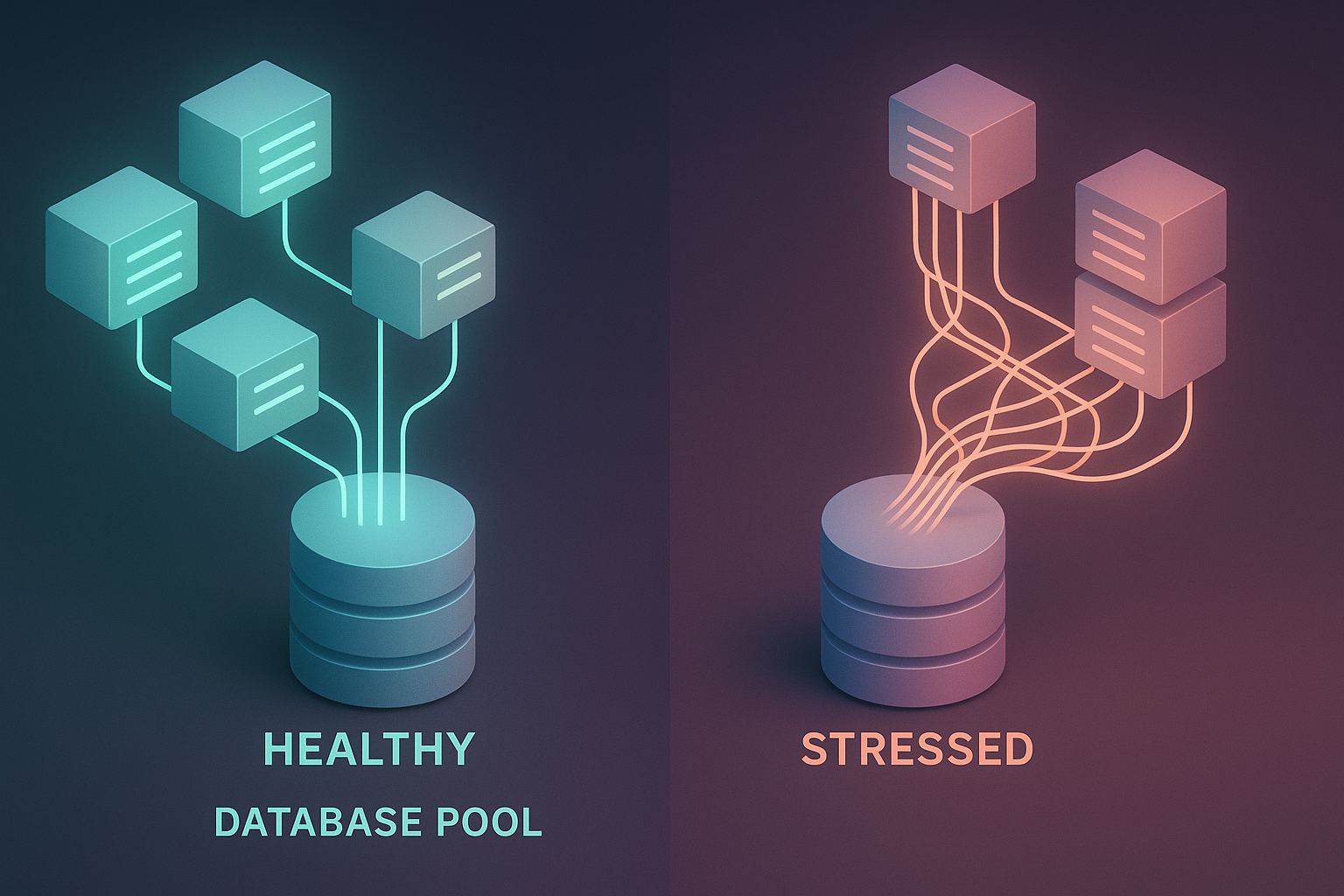
Connection pool exhaustion occurs when every connection in your application’s database connection pool is simultaneously occupied, forcing new requests to either queue indefinitely or fail with a timeout error. Each new database connection carries an establishment cost of 10ms to 300ms, a TCP handshake, authentication exchange, and session initialization that, under load, compounds into catastrophic queuing as requests pile up waiting for a connection that never becomes available.
This article is the engineering playbook for that scenario. You’ll get the specific symptoms that distinguish pool exhaustion from other bottlenecks, a reproducible diagnostic methodology, a pool sizing formula you can apply immediately, and four fix strategies ranked from “5-minute emergency lever” to “3-day architectural improvement.” You’ll also learn how to catch this failure mode in staging, before it finds you at 11 PM on a Friday.
- What Is Connection Pool Exhaustion? (And Why It’s the #1 Database Bottleneck in Load Testing)
- The Telltale Symptoms: How to Know You’re Dealing with Connection Pool Exhaustion
- Root Causes: Why Connection Pool Exhaustion Happens in the First Place
- Step-by-Step Diagnosis: How to Confirm Connection Pool Exhaustion in Your System
- The Fix Playbook: Ranked by Implementation Effort
- References and Authoritative Sources
What Is Connection Pool Exhaustion? (And Why It’s the #1 Database Bottleneck in Load Testing)
A connection pool maintains a finite set of pre-established database connections that application threads borrow and return. Instead of paying the 10ms–300ms cost of opening a new connection for every request, threads check out an existing connection, execute their query, and return it. Under normal traffic, this works flawlessly, the pool absorbs demand, and the reuse pattern keeps latency low.
Exhaustion happens when concurrent demand exceeds pool capacity. If your pool holds 20 connections and 25 threads need database access simultaneously, five threads wait. If 200 threads need access, 180 threads wait, and wait times grow non-linearly because each waiting thread occupies an application thread that can’t serve other requests, creating backpressure throughout the system.
Here’s why this surfaces before CPU limits during load tests: CPU is a continuous resource, it degrades gradually as utilization climbs from 60% to 70% to 80%. Connection pools are a discrete, bounded resource with a hard ceiling. At 95% pool utilization, latency might be acceptable. At 100%, it’s a cliff. There’s no graceful degradation, only queuing, timeouts, and cascading failure.
The HikariCP Wiki documents a demonstration from the Oracle Real-World Performance Group where reducing an oversized connection pool, without changing any application code, decreased response times from approximately 100ms to 2ms, a 50x improvement. That single data point illustrates why pool configuration is a high-stakes engineering decision, not a “set and forget” default. As the HikariCP documentation states directly: “If you have 10,000 front-end users, having a connection pool of 10,000 would be sheer insanity.” More connections doesn’t mean better performance, it often means worse performance, because the database server itself has a finite number of connections it can manage efficiently (governed by parameters like database-side connection limits).
The Telltale Symptoms: How to Know You’re Dealing with Connection Pool Exhaustion
Connection pool exhaustion has a distinct diagnostic fingerprint. If you know what to look for, you can distinguish it from slow queries, CPU saturation, or network issues in minutes rather than hours.
Symptom 1: p99 Latency Spikes While CPU Stays Low
The most reliable signal is an asymmetry between latency percentiles and compute utilization. At 100 concurrent users, p99 latency jumps from 90ms to 3.2 seconds, while CPU holds steady at 35%. This asymmetry is the fingerprint of pool exhaustion, not a compute problem.
Why p99 and not average latency? Because pool exhaustion affects the tail. When a pool is at 90% capacity, most requests still get a connection quickly. But the unlucky 1–5% that arrive when all connections are occupied experience catastrophic wait times. P50 latency may look healthy while p99 reveals a system on the edge of collapse, which is why tracking the performance metrics that matter in performance engineering at the right percentiles is critical.
As Markus Winand documents in his scalability benchmarks, background load, not isolated testing, surfaces these latency patterns. A query that runs in 50ms on your development laptop may behave entirely differently under 25 concurrent connections in production.
Symptom 2: Connection Wait Time Exceeding Query Execution Time
This is the most direct and damning metric. When the time a request spends waiting to acquire a connection from the pool exceeds the time the database actually takes to execute the query, the bottleneck is the pool, not the database engine.
A concrete example: average query execution time is 15ms, but average connection checkout wait time is 850ms. The database is fast; the pool is starving your application. In HikariCP, this surfaces through the hikaricp_connection_acquired_nanos metric (often exported as hikari.pool.Wait). In Node.js pg pools, you can measure it by timing the interval between the pool.connect() call and callback execution.
Symptom 3: Timeout Errors Under Moderate Load (The Cascade Warning Sign)
Perhaps the most dangerous pattern is timeout errors appearing at surprisingly low concurrency, 50 to 150 users, that didn’t exist at 40 users. This isn’t a linear degradation; it’s a cliff.
The mechanism is a retry-amplification cascade: a request times out waiting for a pool connection → the client retries → the retry demands another connection from the already-exhausted pool → the pool falls further behind → more requests time out → more retries fire. Within seconds, moderate load produces total failure. Industry incidents confirm the severity: LinkedIn experienced a 4-hour outage and Stripe saw payment processing failures from exactly this cascade pattern, where connection pool exhaustion triggered retry storms that amplified the original problem by orders of magnitude.
Root Causes: Why Connection Pool Exhaustion Happens in the First Place
Recognizing symptoms is step one. Eliminating the problem requires identifying which of four root causes is driving exhaustion in your specific system.
Under-Provisioned Pool Size: When Your Pool Is Simply Too Small
The most straightforward cause, the pool’s maximum connection count is set below what your peak concurrent workload demands. Many teams ship with framework defaults (often 10–25 connections) that work fine in development but collapse under production traffic patterns.
The PostgreSQL-origin formula cited in the HikariCP Wiki provides a hardware-driven starting point: connections = ((core_count × 2) + effective_spindle_count). For a 4-core server with SSDs (where effective spindle count is effectively 1), that yields approximately 9 connections, far lower than most teams expect.
For workload-driven sizing, use: pool size = peak concurrent queries × avg query duration / target wait time. Example: 80 peak concurrent queries × 50ms average duration / 20ms target wait = 200. Cross-reference this against the hardware formula and your database’s max_connections setting, the lower bound wins. You can find the Java ConnectionPoolDataSource Official API Documentation helpful when implementing these configurations in JDBC-based stacks.
Connection Leaks: The Silent Pool Drain
Connection leaks occur when application code acquires a connection but never returns it to the pool, typically due to missing finally blocks, exception paths that skip connection.close(), or nested function calls where an inner function acquires a connection while the outer function already holds one. The ITNEXT analysis documents a specific nested-function deadlock anti-pattern where myFunction2 calls myFunction1 while holding the last available connection, causing permanent deadlock.
The temporal signature of a leak is distinct: pool utilization climbs monotonically over hours or days, regardless of traffic fluctuations, until hitting 100% and triggering errors. This contrasts with under-provisioning, which spikes immediately during peak traffic and recovers when traffic drops.
Slow Queries Holding Connections Hostage
This is the root cause teams most frequently overlook. A query that takes 2 seconds instead of 20ms doesn’t just slow one request, it holds a database connection captive for 100x longer than expected. A pool of 20 connections processing 20ms queries handles 1,000 requests per second. The same pool with 2-second queries handles 10 requests per second before exhausting.
Markus Winand’s benchmarks on database scalability demonstrate this quantitatively: a poorly indexed query took 32 seconds under just 25 concurrent queries, while a properly indexed equivalent stayed under 2 seconds, a 30x degradation. As Winand notes: “Even if you have a full copy of the production database in your development environment, the background load can still cause a query to run much slower in production.” For a deeper exploration of indexing’s impact on scalability, see Winand’s database scalability analysis.
Step-by-Step Diagnosis: How to Confirm Connection Pool Exhaustion in Your System
Suspecting pool exhaustion isn’t enough, you need to confirm it and isolate the specific root cause before investing engineering time in a fix. The following methodology applies Brendan Gregg’s USE Method for resource bottleneck diagnosis. Utilization, Saturation, and Errors, to connection pools specifically.
Step 1: Establish Your Baseline Metrics Before Load Increases
Before ramping traffic, capture four metrics at idle or low load (≤10% of expected peak):
- Active vs. idle connections: Query
SELECT state, count(*) FROM pg_stat_activity GROUP BY state;on PostgreSQL, or readhikaricp_connections_active/hikaricp_connections_idlefrom your pool library. - Checkout wait time (p50/p99): In HikariCP, this is
hikari.pool.Wait. In other frameworks, measure the time between connection request and acquisition. - Pool utilization %: Calculate
(active_connections / max_pool_size) × 100. At baseline, this should be below 20%. - Database-side connection count vs. max_connections:
SELECT count(*) FROM pg_stat_activity;compared against your PostgreSQL max_connections setting.
These baselines let you distinguish signal from noise when load increases.
Step 2: Load-Step Correlation. Match Pool Utilization to Latency Percentiles
Incrementally increase concurrent user load in defined steps and record pool utilization % alongside p99 latency at each step, a technique central to how to load test concurrent users effectively. The pattern that confirms pool exhaustion looks like this:
| Concurrent Users | Pool Utilization | p99 Latency | Error Rate |
|---|---|---|---|
| 25 | 35% | 45ms | 0% |
| 50 | 65% | 52ms | 0% |
| 100 | 88% | 890ms | 0.3% |
| 150 | 100% | 4,200ms | 12% |
The diagnostic fingerprint: latency stays nearly flat until pool utilization crosses approximately 75–85%, then spikes non-linearly. This matches Gregg’s saturation definition, “the degree to which the resource has extra work it can’t service, often queued.” If latency degrades gradually from the first load step with no sharp inflection, the bottleneck is more likely slow queries or compute-bound, not pool exhaustion.
Step 3: Isolate the Root Cause. Pool Size, Leak, or Slow Query?
Once pool exhaustion is confirmed, use this decision tree:
- Pool utilization spikes immediately at low concurrency (e.g., 25 users → 85%): Under-provisioned pool. The max pool size is simply too small for the workload.
- Pool utilization climbs steadily over time regardless of load level: Connection leak. Run a soak test (constant low traffic for 2–4 hours) and watch utilization trend upward monotonically.
- Pool utilization is concentrated during specific request types or endpoints: Slow query holding connections. Identify the offending queries using EXPLAIN ANALYZE.
For slow-query confirmation, the PostgreSQL documentation states: “Choosing the right plan to match the query structure and the properties of the data is absolutely critical for good performance.” Run EXPLAIN ANALYZE on suspected queries. A sequential scan showing cost=0.00..470.00 with high actual execution time that transforms into a Bitmap Index Scan at cost=0.00..5.04 after adding an index confirms the root cause and quantifies the fix. For a broader methodology on finding and resolving these issues, see this guide on how to test and identify bottlenecks in performance testing.
The Fix Playbook: Ranked by Implementation Effort
Four fixes, ordered from fastest deployment to deepest architectural change. Start with Fix 1 to stop the bleeding, then pursue the deeper fixes to prevent recurrence.
Fix 1 (5 Minutes): Increase Pool Size. The Emergency Lever
The fastest intervention: increase maxPoolSize in your application configuration. Use the workload-driven formula:
pool_size = peak_concurrent_queries × avg_query_duration / target_wait_timeWorked example: 80 peak concurrent queries × 0.050s average duration / 0.020s target wait = 200 connections.
Cross-reference this against the hardware formula (core_count × 2) + effective_spindle_count and your database’s max_connections. If the workload formula yields 200 but your database supports 150 max connections, the database ceiling wins, and you need Fix 3 or Fix 4.
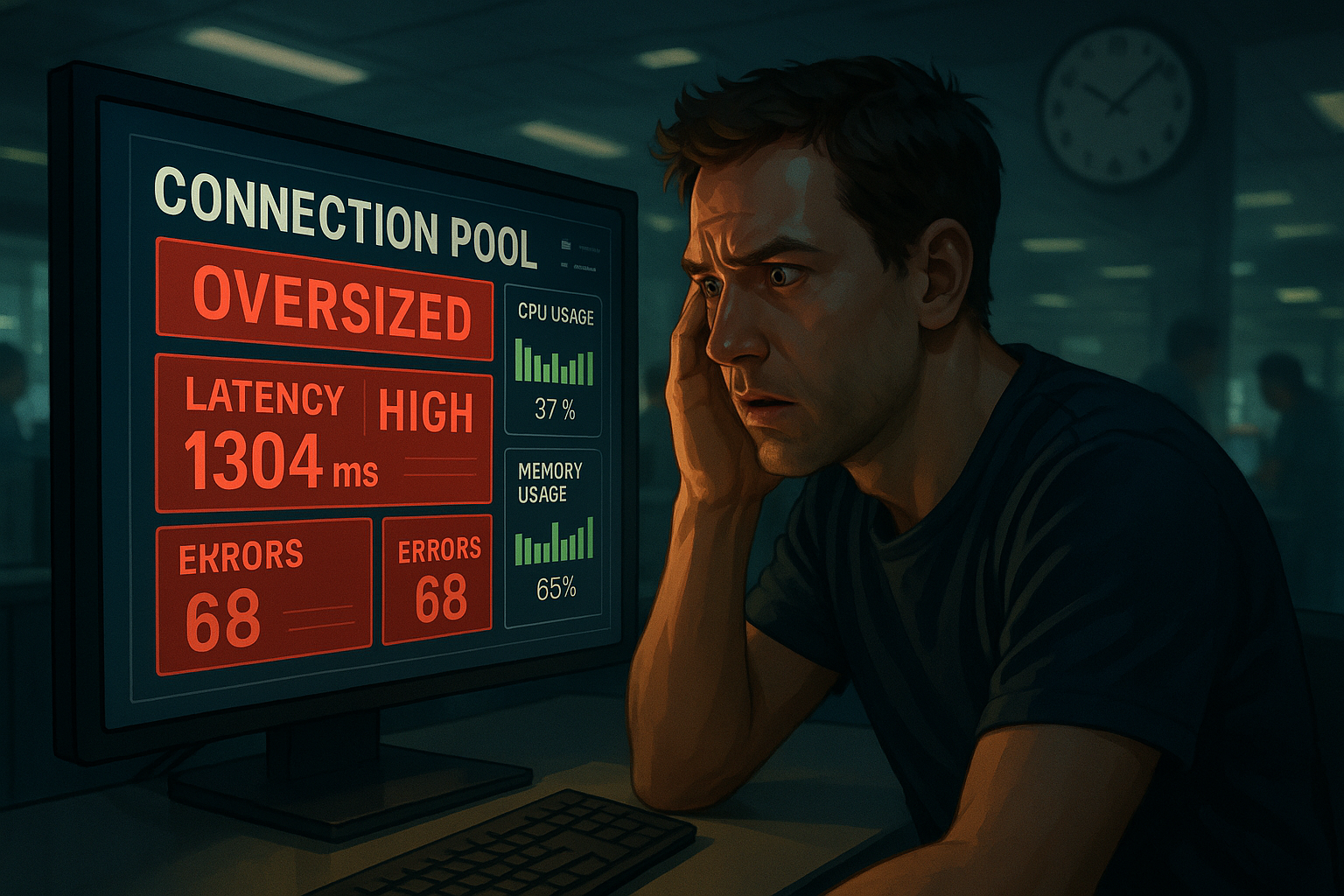
A targeted increase can reduce wait times by up to 30% in high-traffic environments. But resist the urge to simply maximize the value. The Oracle Real-World Performance Group demonstrated that an oversized pool, one with far more connections than the database can efficiently schedule, actually increased response times from ~2ms to ~100ms. Set the value based on data, not fear.
# HikariCP example
maximumPoolSize=25
minimumIdle=10
connectionTimeout=30000
Fix 2 (1 Hour): Enable Connection Reuse and Keep-Alive
If connections are being closed and re-established unnecessarily, you’re paying the 10ms–300ms establishment cost repeatedly under load. Enabling keep-alive prevents premature closure; tuning idle timeout ensures connections are returned promptly.
For HikariCP:
keepaliveTime=30000    # Send keepalive every 30 seconds
idleTimeout=600000     # Close idle connections after 10 minutes
maxLifetime=1800000    # Recycle connections every 30 minutes
For Node.js pg pool:
const pool = new Pool({
  max: 25,
  idleTimeoutMillis: 30000,
  connectionTimeoutMillis: 5000
});
The goal is to maximize the ratio of productive query time to connection lifetime. A connection that spends 95% of its life idle and gets closed after 60 seconds is wasting establishment costs. A connection with a 10-minute idle timeout and 30-second keepalive stays warm and available.
Fix 3 (1 Day): Add a Read Replica to Split Connection Load
If your workload is 70%+ reads, common in content platforms, dashboards, and reporting systems, routing read queries to a dedicated replica effectively doubles available write-path pool capacity. The primary database handles writes and critical reads; the replica absorbs the bulk of SELECT traffic.
This is an architectural change that requires query routing logic (many ORMs support this natively, look for “read/write splitting” in your framework’s documentation) and introduces replication lag as a trade-off. For most applications, sub-second replication lag is acceptable for read queries; for financial or transactional systems, validate that eventual consistency meets your accuracy requirements. Before deploying, verify the improvement using realistic load testing scenarios that mirror your actual read/write traffic distribution.
Fix 4 (3 Days): Optimize Slow Queries to Reduce Connection Hold Time
The highest-effort but most impactful long-term fix. Every millisecond removed from query execution time translates directly to increased effective pool capacity. Query optimization through proper indexing can reduce execution times by up to 50%, and Winand’s benchmarks show that correct indexing prevents the 30x degradation under concurrent load that drives pool exhaustion in the first place.
Start with the queries identified in Step 3 of the diagnostic methodology. Run EXPLAIN ANALYZE, identify sequential scans, add appropriate indexes, and re-measure. RadView’s load testing platform can validate these optimizations by replaying the same load-step test from Step 2 and confirming that the pool utilization inflection point has shifted to a higher concurrency threshold, proving the fix works under realistic conditions, not just in isolation.
References and Authoritative Sources
- Wooldridge, B. (N.D.). About Pool Sizing. HikariCP Wiki, GitHub. Retrieved from https://github.com/brettwooldridge/HikariCP/wiki/About-Pool-Sizing
- The PostgreSQL Global Development Group. (N.D.). Using EXPLAIN (Chapter 14). PostgreSQL Documentation, Version 18. Retrieved from https://www.postgresql.org/docs/current/using-explain.html
- Winand, M. (N.D.). Performance Impacts of System Load. Database Scalability over Queries/Second. Use The Index, Luke. Retrieved from https://use-the-index-luke.com/sql/testing-scalability/system-load
- Gregg, B. (N.D.). The USE Method. brendangregg.com. Retrieved from https://www.brendangregg.com/usemethod.html
Frequently Asked Questions
What are the typical symptoms of connection pool exhaustion?
Sudden latency spikes correlated with constant or increasing throughput, timeout errors appearing in application logs, connection acquisition wait times climbing toward your pool’s max-wait threshold, and error rates rising without any CPU or memory saturation on the database server itself. The app is starving for connections while the database has capacity.
How do I choose the right connection pool size?
Start with a size equal to your database’s max connections divided by the number of application instances, minus buffer for maintenance processes. Then right-size based on load testing: measure connection acquisition wait time at peak load, and resize until wait time stays near zero. Oversizing is wasteful; undersizing causes exhaustion.
What’s the difference between connection pool exhaustion and database overload?
Connection pool exhaustion happens at the application tier — your app can’t get a connection even though the database has capacity. Database overload happens at the database itself — queries are queued or timing out because the DB is saturated. They look similar from the user’s perspective (slow requests, errors), but the remediation is different.
Can I solve connection pool exhaustion by increasing the pool size?
Sometimes, but it’s often a symptom of a deeper issue: slow queries holding connections too long, leaked connections never returned to the pool, or unrealistically long transaction boundaries. Increasing pool size may mask the problem temporarily, but fixing the underlying query performance or connection handling pattern is the durable solution.
How do I detect connection leaks in production?
Monitor the delta between connections acquired and connections released over time. A healthy system returns to baseline between requests; a leaking system shows monotonic growth. Most connection pool libraries (HikariCP, pgbouncer, etc.) expose leak detection thresholds that log stack traces of connections held longer than a configured duration.